QR code for photos: how guests upload event photos with one code
A QR code for photos sends every guest to 1 upload page. Setup in 5 steps, sign sizes in inches, signs per guest count, what to print, and free vs paid plans.

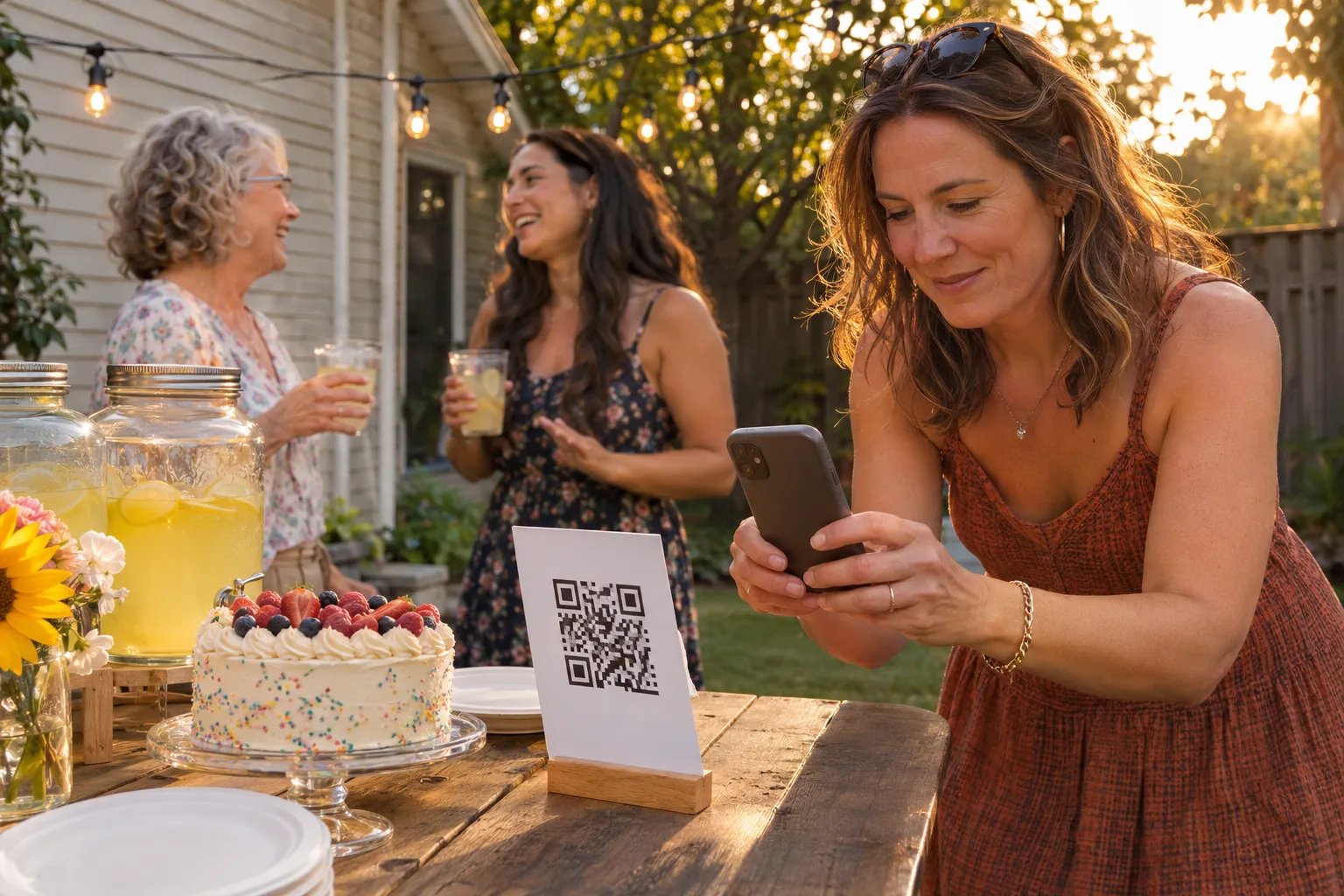
Bottom line: one QR code opens one upload page in each guest's browser, and every photo lands in your album. Set it up in 5 steps, print a 4×6 in card for every table plus an 18×24 in poster for every 50 guests, and add 2 lines of text. QR Album is free for 60 uploads, and paid plans start at $49, paid once. Prices as of November 11, 2026.
Set up a QR code for photos in 5 steps
- 1. Create the event: name and date. The QR code exists as soon as the album does.
- 2. Decide who sees it: leave the album open to everyone with the link, or set a password and pass it only to guests.
- 3. Turn on moderation if you want it: from Essential, nothing shows until you approve it.
- 4. Make the sign: in QR & signs, pick 1 of 19 layouts, from business-card size up to A2, and export it print-ready.
- 5. Test it: scan the printed card on 1 iPhone and 1 Android phone, signed out, and upload 1 photo. The full test is in our QR setup guide.
Where to put the code and how big to print it
- Rule of thumb: a phone reads a code from about 10 times its width. A 2 in code works at arm's length, an 8 in code from about 7 ft.
- Keep a margin: a plain border around the code, the quiet zone in DENSO WAVE's QR spec. Print matte, because gloss and foil reflect light.
- Count: for 100 guests at 10 tables, print 10 table cards and 2 posters, 1 at the entrance and 1 at the bar.
Table card
- Size
- 4×6 in, code at least 2 in wide
- How many
- 1 per table of 8 to 10
Poster on an easel
- Size
- 18×24 in, code about 8 in wide
- How many
- 1 per 50 guests, at the entrance and the bar
Invitation insert or program
- Size
- 5×7 in, code 1.5 in wide
- How many
- 1 per household, plus the link in every text
Table cards do most of the work, because guests sit long enough to scan. Posters catch the people who never sit down.
What to print next to the code
- Birthday: “Maya turns 40. Scan to add your photos from tonight. No app needed.”
- Company event: “Scan to share your photos from today's offsite. They go straight to the team album.”
- Reunion: “Class of 2006, 20 years on. Scan and drop in your photos, old ones too.”
- Under every code: the short link and “Opens in your phone's browser.”
Planning a wedding? Our wedding QR code sign guide has 13 more lines and the best times to ask.
How guests upload, and what happens to quality
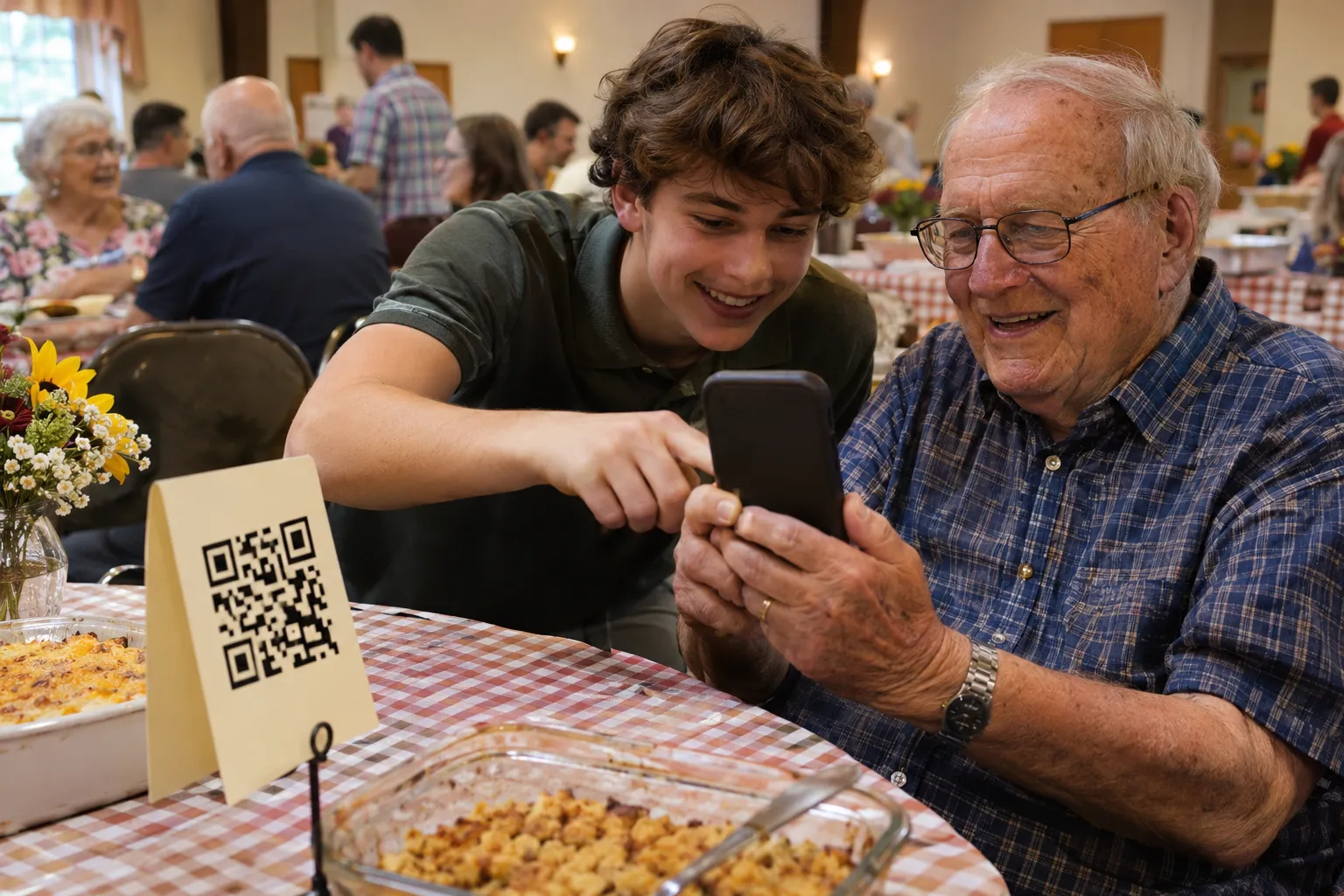
- Scan: the phone camera opens the guest page in the browser, with no app and no account.
- Share: they pick photos and videos from the camera roll or record a voice message, and add a name if they like.
- Later works too: the link keeps working after the event, so a guest with poor signal uploads from home.
- Quality: group chats compress files. The album keeps each original, and paid plans download them all in full quality as a ZIP. Free has no original-quality download and adds a badge to shared media.
Free vs paid: what changes
- Free, $0: 60 photos, videos and voice messages, 5 GB, a 30-day album.
- Essential, $49: unlimited uploads, 50 GB, all originals as a ZIP, no badge, moderation tools, a 90-day album.
- Celebrate, $79: 100 GB, a live photo wall at the venue, videos up to 10 minutes, a 6-month album.
- Grand, $99: 250 GB, a live stream, voice messages turned into text, a custom link, a 1-year album.
Good to know: every plan is paid once per event, with no subscription. The code on your sign never changes while the album is online. Details are on the pricing page, and other providers are in our QR code photo album ranking.
Questions, answered
How do I make a QR code for photos?
Create an event in a QR photo album like QR Album, download the code it generates, print it on a table card and test 1 upload from a phone that isn't signed in.
What size should a photo QR code be?
At least 2 in wide on a table card and about 8 in on a poster. A phone reads a code from about 10 times its width.
Is there a free QR code photo album?
Yes. QR Album's free plan takes 60 photos, videos and voice messages for 30 days, without original-quality downloads. Paid plans start at $49, once.