Company event photo sharing. Every phone, one album.
Coworkers scan the code, add photos, videos and voice notes, and get back to the party. Every original lands in one album you can download. Nobody installs a thing.







What is corporate event photo sharing?
Corporate event photo sharing is one place everyone at a company event can send what they shot. This one runs in the browser. Coworkers point a phone camera at the QR code, pick photos from their camera roll, and upload. No app, no account, nothing for IT to touch. Photos, videos and voice notes land in the same album, sorted.
Not just pictures. The speech, the skit, the room reacting to both.
The code opens a web page. No app, no account, no ticket to IT.
Every file at the size it was shot. Yours to download, not to screenshot.
Five moments the recap email never shows.
Most company events never get a photographer. Someone from marketing shoots ten frames for the newsletter and sits back down. The rest of the day lives on your coworkers’ phones — posted to a channel that goes quiet by Thursday, or never posted at all. These five moments are the ones an album collects on its own.
The hour before anyone shows
The planning committeeLeft on phonesThe before shot. Proof of the work, and nobody keeps it.
The CEO’s welcome
Someone near the backLeft on phonesThe line that wasn’t in the script. Quoted all week, filmed by one person.
The cornhole bracket
The team that just lostLeft on phonesThe trash talk. The recap runs one posed photo instead.
The all-team photo
Whoever got handed five phonesLeft on phonesFive versions of the same shot, and not one gets collected.
The awards
The winner’s whole tableLeft on phonesThe face right before the name is read. The best frame of the day.
Most company events never hire a photographer, so there’s nobody to replace. This is the difference between a recap with three photos and one with three hundred.
How does photo sharing at a company event work?
You create the album before the event and get the QR code as a print-ready PDF. It goes on the tables, at check-in, on a slide between speakers. A coworker points a phone camera at it, the album opens in the browser, and the upload takes about three taps. No login, no help desk, no reminders.
Create the album
Event name and date, done. The QR code comes back as a print-ready PDF, plus a plain link for the calendar invite.
Put the code out
Table tents, the check-in desk, a slide between speakers. Put it where people already stand.
Watch it fill
Photos, videos and voice notes arrive sorted, each with a name on it, before the caterer packs up.
The album the whole company opens Monday.
Everything your coworkers sent sits on one page, in the order it happened, with the name of whoever shot it. You send one link — in the recap email, in the team channel — and the whole company relives the day and downloads what it wants. Leave it open, or set a password and keep it internal.
No accounts, no invites, no access requests to approve.
Company parties are internal. Set a password and the album stays that way.
Full resolution — good enough for the newsletter, the intranet, next year’s slides.
Your event gets its own page.
Photos, videos, and voice notes from everyone — one page, one link. On their laptop or in their pocket, it’s the same album.
Open to every guest
Anyone with the link is in. No account, no sign-up.
Or only for the people who were there
A password on the page. You pass it on to whoever you choose.
 Clara
Clara Felix
Felix Samir
Samir Clara
Clara Felix
Felix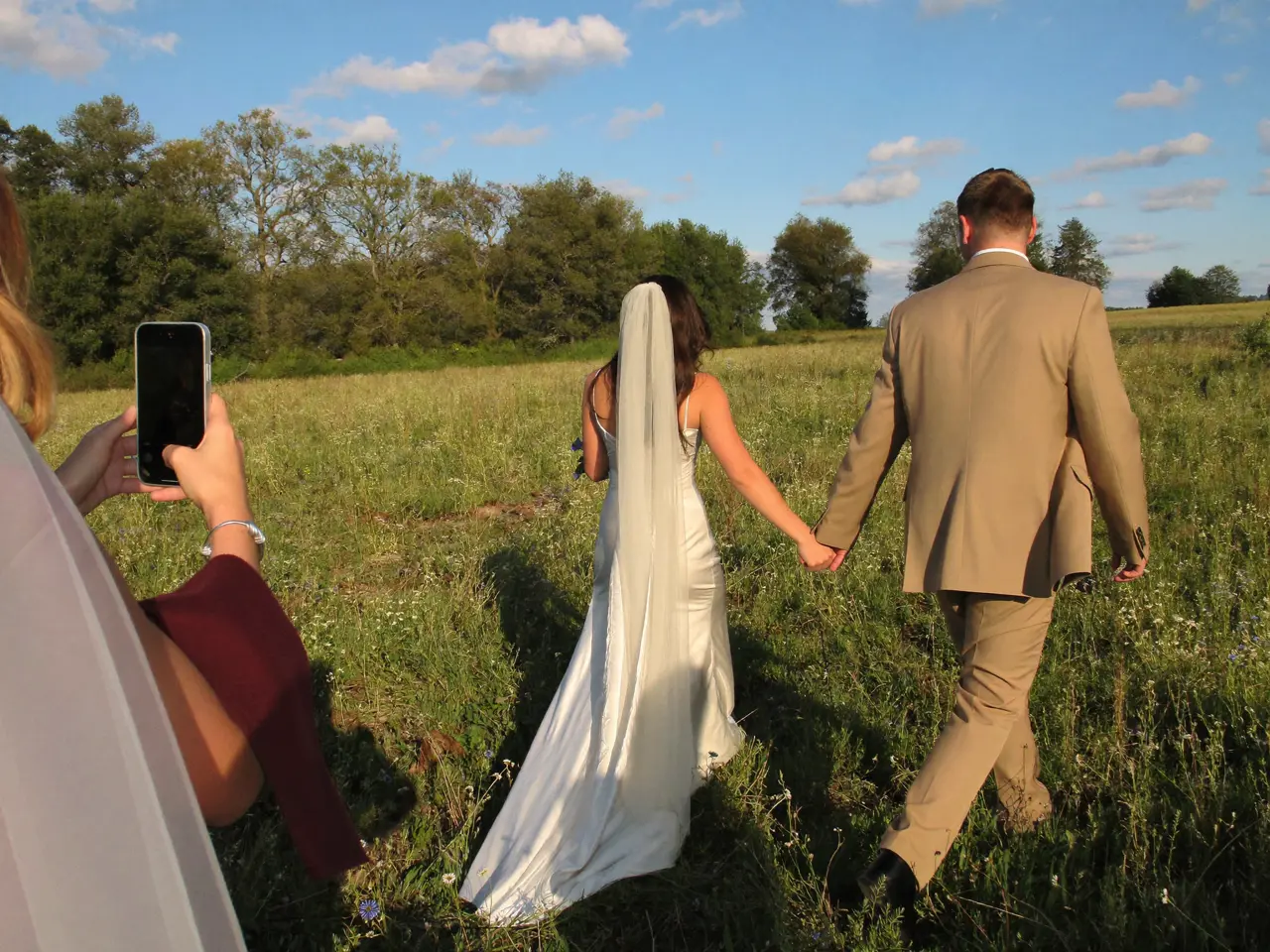 Samir
Samir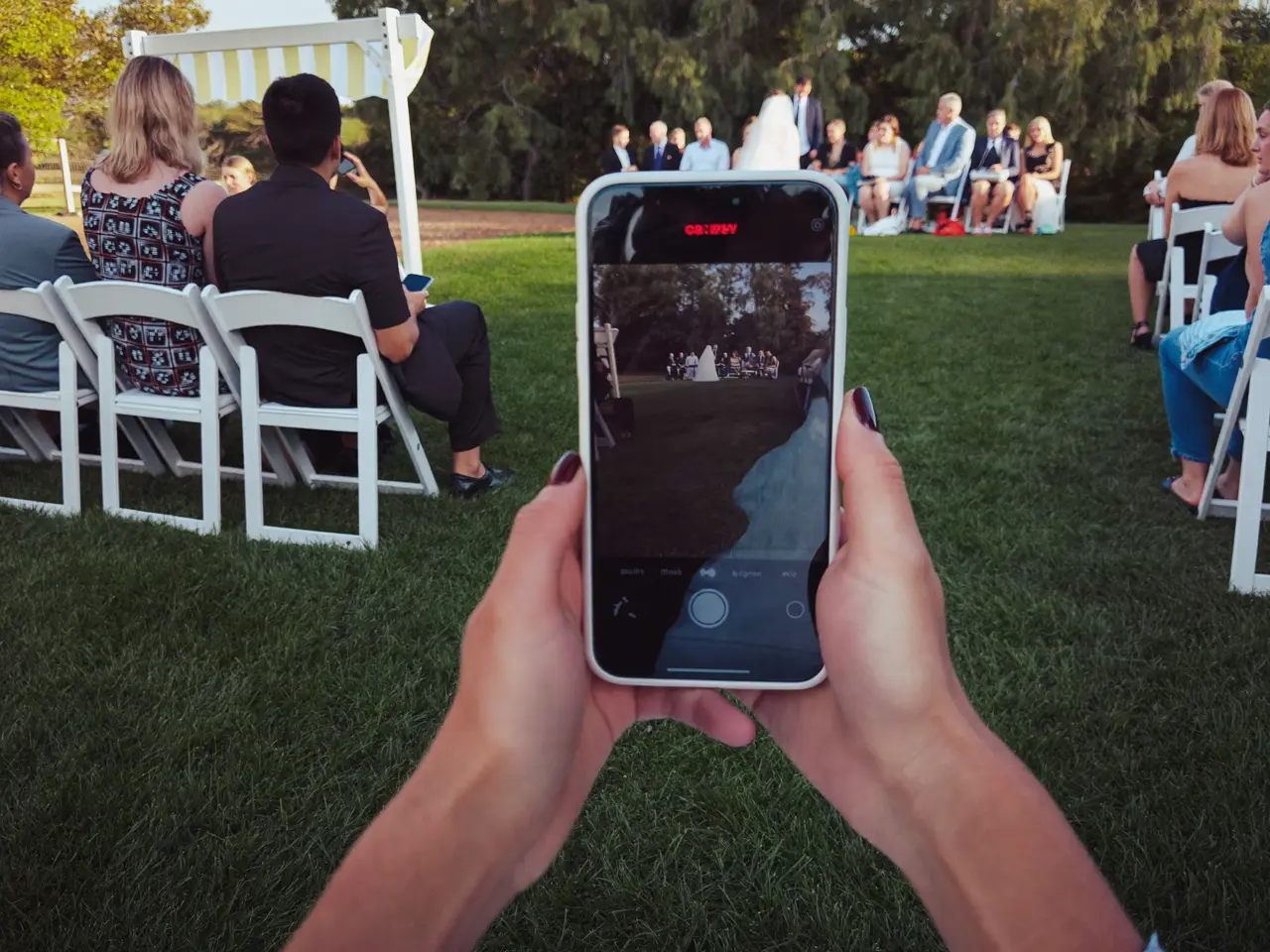 Clara
Clara Felix
Felix Samir
Samir



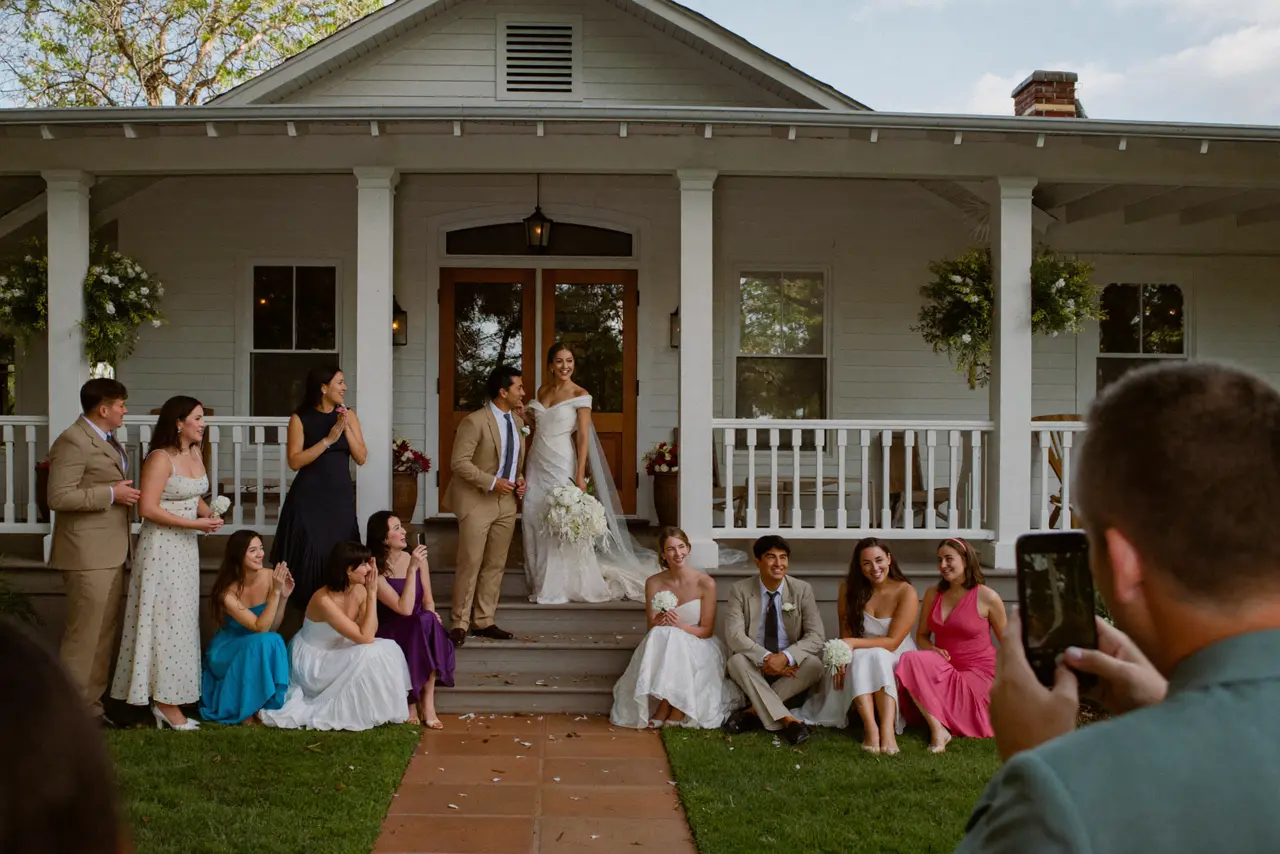
Monday morning, it’s all there.
By Monday morning the album is finished and nobody chased a single file. You skim it over coffee, hide anything that shouldn’t outlive the party, and pull the whole event down in one file. Six things are yours from that morning on — for the recap, the newsletter, and the case for doing it again.
Every original
The full-size files, not thumbnails from a chat thread.
The video too
The skit, the speeches, the conga line. Real files that play.
The voice notes
Coworkers saying what the day was like, in their own voices.
In order
Setup to send-off, timestamped, with no sorting to do.
Names attached
You see who shot what. Credit in the recap writes itself.
Full control
Hide or delete anything before the link goes company-wide.
What does corporate event photo sharing cost?
One price per event, paid once. No subscription, no charge per guest, no quote to request. Start free, and upgrade only if the event needs more than the free plan holds — each plan and its album window is on the card below.
- 60 photos, videos & voice notes
- 5 GB storage
- Unlimited guests — no app needed
- 30-day album
- Badge on shared media
- No original-quality download
- Unlimited photos, videos & voice
- 50 GB storage
- Download all originals (ZIP)
- No badge on your media
- 90-day album
- Host moderation tools
- Everything in Essential
- 100 GB storage
- Live photo wall at the venue
- 6-month album
- Video up to 10 min
- Priority support
- Everything in Celebrate
- 250 GB storage
- Live stream for guests who can’t make it
- Voice notes transcribed
- Custom link
- 1-year album
Questions organizers ask
What do coworkers have to install?
Nothing. The QR code opens the album in the phone’s browser — no app, no account, no permissions to grant. If someone can scan a menu, they can add photos.
Can we keep the album inside the company?
Yes. Put a password on it and share the password at the event — the album stays with the people who were there. You can change or remove it anytime, and you decide when the link goes out at all.
Who usually sets this up?
Whoever plans the event — office management, an EA, somebody in HR. It takes a few minutes: name the event, download the code, print it. There’s no vendor call and nothing to maintain afterward.
Does it work for a picnic and a holiday party?
Yes, one album per event. Most companies run one for the summer picnic, one for the holiday party, one for the anniversary. Each gets its own code, its own page and its own password.
Can we review photos before the whole company sees them?
Yes. Turn on moderation and nothing appears in the album until you approve it. You can also hide or delete anything later, and the link doesn’t have to go out until you’ve looked.
How do we get people to actually scan it?
Put the code where people already stand: on the tables, at the bar, next to the food. Then have whoever holds the mic mention it once. The group photo helps too — everyone who takes one uploads it while the phone is still out.
How far ahead should we create the album?
Any time — an empty album costs nothing while it waits, and the code never changes. Most organizers make it the week they book the venue, so the QR code can go into the invite and the printed materials early.
Can people still upload the day after?
Yes, for as long as you leave the album open. A lot arrives the next morning, when people go back through their camera roll at their desk. The same link keeps working.
What happens to the photos afterward?
You download every original in full resolution while the album is open — how long it stays open is listed on each plan. After that, the album is deleted. The files live wherever you put them: the shared drive, the intranet, next year’s kickoff deck.
Anything else? Message us — we answer the same day.
Before the next offsite
The event took months to plan. The album takes minutes.
Create the album, print the QR code, drop the link in the calendar invite. Your coworkers handle the rest — no app, no accounts, no chasing files afterward.
- 1Create the album — free
- 2Print the code for the tables
- 3Download everything Monday morning