Wedding QR code sign: what to write, templates and when to ask
Wedding QR code sign wording that gets scans: 13 lines to copy for table signs, invitation inserts and group texts, plus the 3 best times to ask for photos.

Bottom line: a QR sign gets scanned when it says what guests get and that they don’t need an app. Use a catchy headline plus 1 instruction, and print the short link under the code. Ask at 3 points: in the invitation, right after the toasts and in a thank-you text the next morning. QR Album builds the sign in your dashboard, from $49 per wedding (prices as of October 16, 2026).
The 2-line formula for any QR sign
- Line 1, the hook: 3 to 6 words that make people look, like “Snap. Scan. Share.”
- Line 2, the job: what to do and what they get, like “Scan to drop your photos into our album.”
- Small print: the short link, for phones that won’t focus on the code.
- Skip the tech talk. People scan when they know what happens next.
8 wedding QR sign lines you can copy
- “Snap. Scan. Share.” · “Point your camera here and add your pics to our album.”
- “We can’t be everywhere tonight” · “Be our eyes: scan and upload what you catch.”
- “Be our photographer” · “Every shot from your phone belongs in our album.”
- “Got a great shot?” · “Scan the code, choose your photos, done. No app to download.”
- Headlines that work on top: “Capture the love”, “Help us relive tonight”, “Our wedding, your view” and “Show us your favorites”.
Black-tie crowd? Keep it polite: “Kindly share your photographs with us. Scan the code to add them to our wedding album.”
Invitation insert and group texts
- Insert card or wedding website: “Snap away all weekend. Scan this code or use the link below to share your photos and videos with us. No app or account needed.”
- Rehearsal dinner night: “Big day tomorrow. Drop every pic and video here: [link]. Getting-ready selfies count.”
- Sunday morning: “Thank you for an incredible night. Still have photos on your camera roll? Add them by Friday: [link].”
A phone can’t scan its own screen, so make the link tappable in every digital invite. Text the group chat your guests already use, and always include a deadline.
Best times to ask for photos
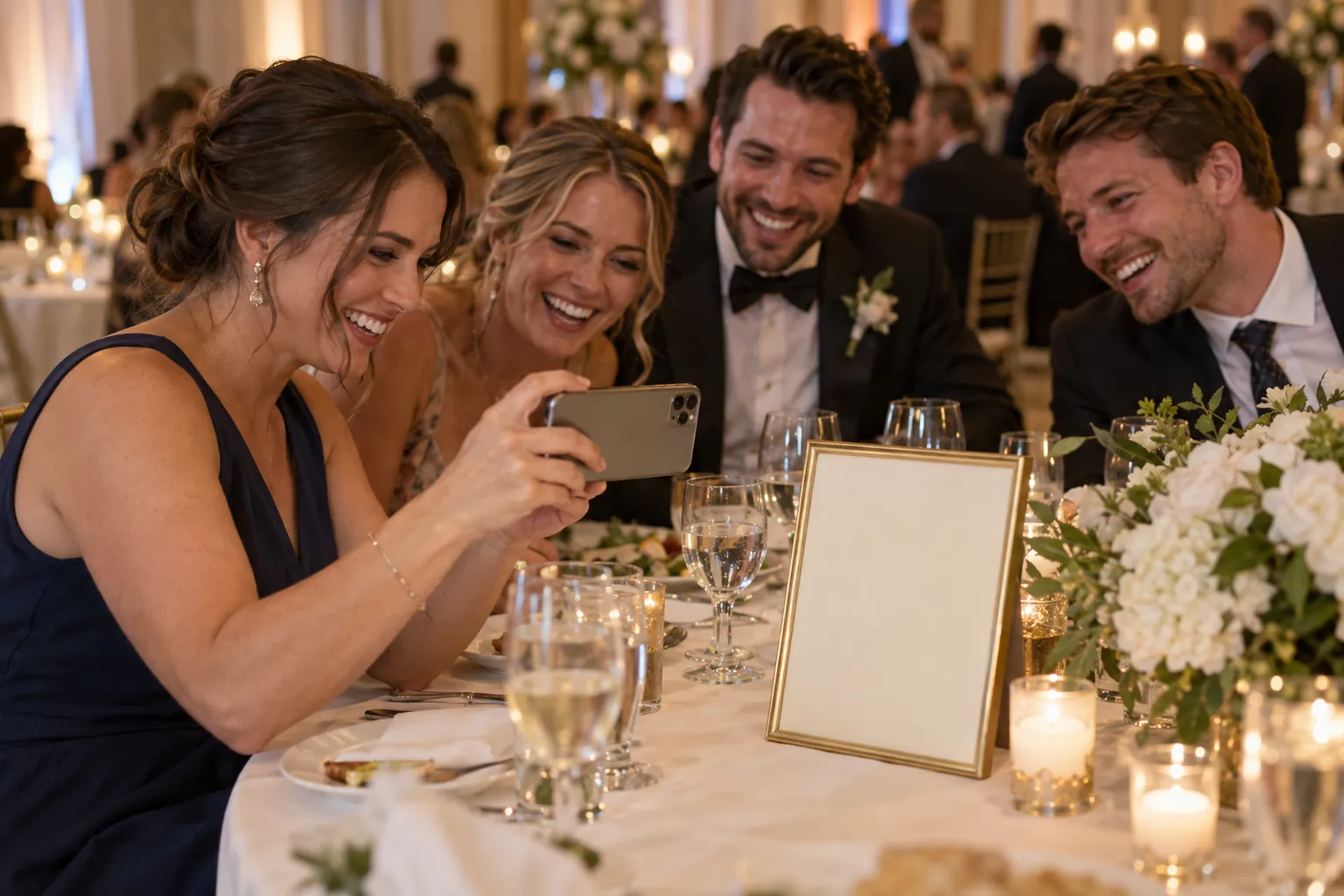
The single best moment is right after the toasts, when every guest is seated and phones are already out. Then text the morning after, because that’s when people scroll back through what they shot.
- 6 to 8 weeks out: code and link on the invitation or the wedding website.
- The reception: a sign at the bar and on every table, plus 1 line from the emcee: “Look for the QR code on your table. Scan it and share what you’ve captured tonight.”
- The next morning: a thank-you text with the link and a date about a week out.
Building the sign in QR Album
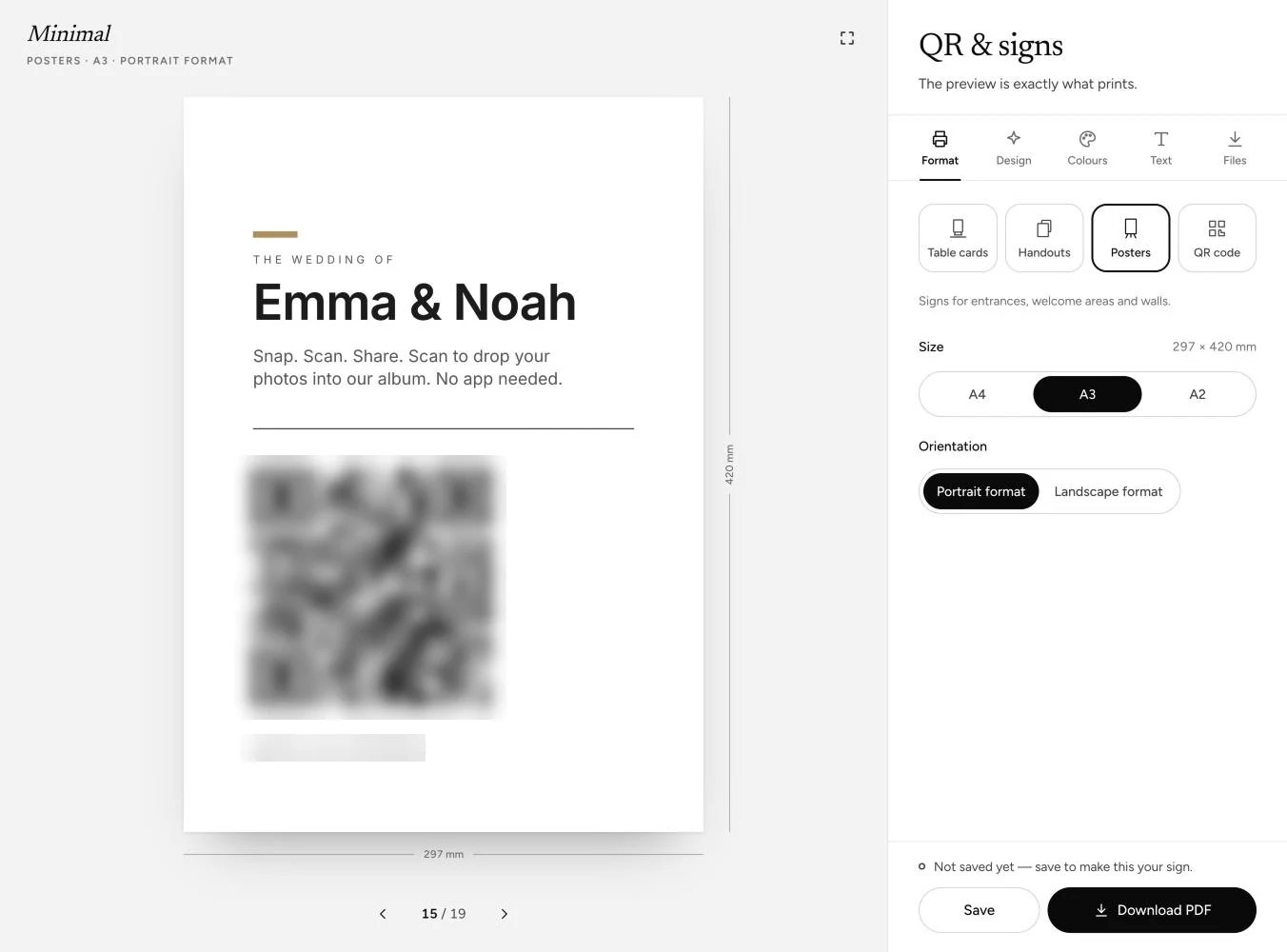
- Format and look: pick a table card, a handout or a poster, from business-card size up to A2, and 1 of 19 ready-made layouts.
- Your lines: your names run large, and the hook and the job go in the Message field, up to 120 characters. Export it print-ready.
- For guests: no app or account, photos in original quality, plus voice messages.
What it costs
QR Album charges once per wedding, starting at $49, with no subscription. The sign tools come with every plan. Prices checked October 16, 2026.
Essential
- One-time price
- $49
- Album and extras
- 3 months online; unlimited photos, videos and voice messages
Celebrate
- One-time price
- $79
- Album and extras
- 6 months online; live photo wall for the reception screen
Grand
- One-time price
- $99
- Album and extras
- 12 months online; voice messages turned into text
Good to know: the code on your sign never changes while the album is online, so a guest who finds it on Tuesday can still upload.
Questions, answered
What do you write on a wedding QR code sign?
A short hook like “Snap. Scan. Share.” and 1 line that says what to do: “Scan to drop your photos into our album. No app needed.” Print the short link under the code.
How do you get guests to upload their wedding photos?
Put the code on the invitation, have the emcee mention it right after the toasts and text the link the morning after with a deadline about a week out.
Where can I get a wedding QR code sign template?
Yes. Open QR & signs in your QR Album dashboard, pick 1 of 19 layouts, type your lines and print the file it gives you.