Every phone at the party. One birthday album.
Guests scan the code, pick their shots, and send. Everything lands in one album, full quality, while the party’s still going. No one installs a thing.






What is birthday photo sharing by QR code?
Birthday photo sharing by QR code means one code collects the whole party. Guests point their camera at it, a web page opens, and they pick photos and videos straight off their phone — no app, no account. They can add a voice message and their name. Everything lands sorted in one album you watch fill up during the party.
The song, the roast, the laugh that took the whole table down.
The code opens right in the browser, the same on every phone at the party.
Guests can sign what they send, so you know who caught what.
Nobody hires a photographer for a 40th.
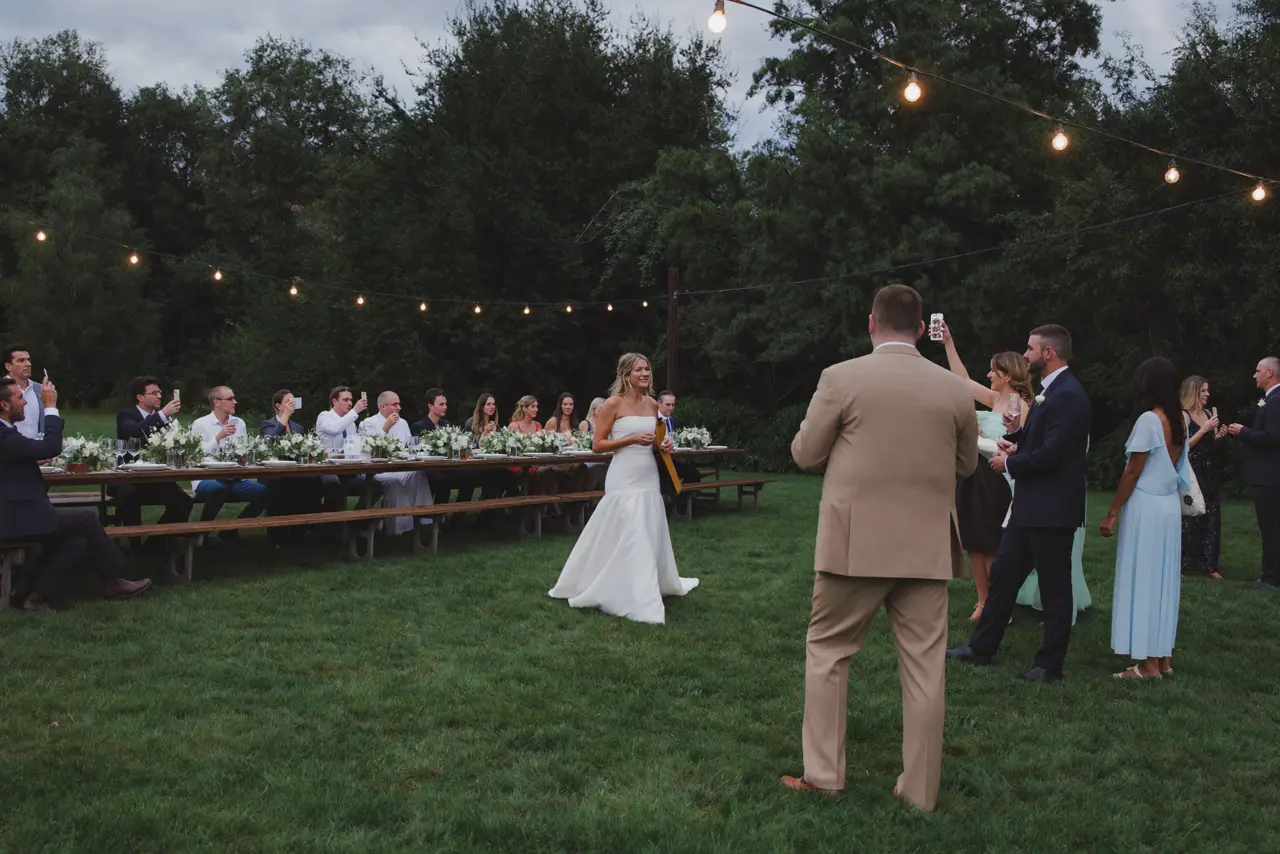
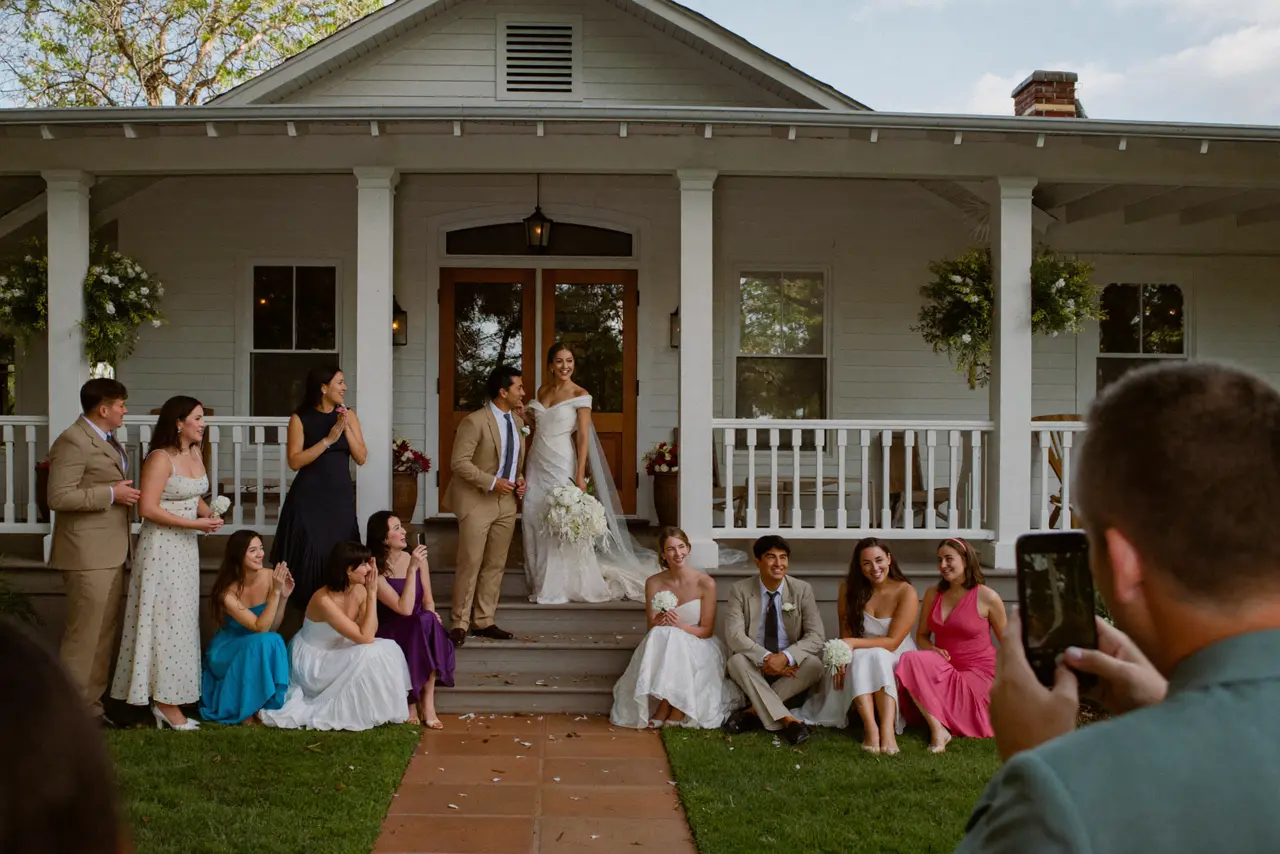
There’s no photographer coming, and no gallery showing up in six weeks. The coverage is whoever pulled out a phone — and at a good party, that’s everyone. These five moments get shot every single time. They just never make it past the phones that caught them. One code on the table changes that.
The surprise
Everyone hiding in the darkGone by MondayThat first face. It’s what the whole night was built around.
Friends who haven’t shared a room in years
Whoever saw it firstGone by MondayCollege next to work next to family. The reunions go undocumented.
The candles and the song
Every phone in the room at onceGone by MondayThirty takes of one song — and not one of them reaches you.
The roast
The best friend’s tableGone by MondayThe stories. A photo can’t hold a punchline.
The dance floor
Whoever sat one outGone by MondayThe hour everyone calls the best part. By Monday there’s no proof.
There’s no photographer to wait on at a birthday. Your guests are the coverage — the album is just how their files finally reach you.
How do you collect photos at a birthday party?
You set the album up before the party and print the QR code — it comes as a print-ready PDF. Put it on the tables, at the bar, next to the cake. Guests scan it with their camera, the album opens in the browser, and uploading takes about three taps. The files arrive while the candles are still warm.
Create the album
A name and a date. The QR code is ready before the balloons are up.
Put the code where people sit
Tables, the bar, the gift table — or on the invitation for a surprise.
Watch it fill
Photos, videos and voice messages land sorted, each with a name, mid-party.
The whole party, on one page.
One page holds everything the party sent, sorted by when it happened and named by who caught it. You text one link to the group chat and you’re done — no logins, no shared-drive permissions, no invite that expires. It opens the same on a phone or a laptop. Keep it open to everyone, or put a password on it.
Drop it in the group chat. Nobody joins anything.
You decide who can open it, and when.
Full-resolution files, not the crushed copies a text thread returns.
Your event gets its own page.
Photos, videos, and voice notes from everyone — one page, one link. On their laptop or in their pocket, it’s the same album.
Open to every guest
Anyone with the link is in. No account, no sign-up.
Or only for the people who were there
A password on the page. You pass it on to whoever you choose.
 Clara
Clara Felix
Felix Samir
Samir Clara
Clara Felix
Felix Samir
Samir Clara
Clara Felix
Felix Samir
Samir


Every file, before the balloons come down.
The album finishes itself overnight — nobody spends the party collecting files. The next morning you scroll it over coffee, hide anything that shouldn’t stay, and download the whole thing at once. What’s below is yours from then on: full quality, on your own drive, not scattered across forty other phones.
Every original
Full resolution, straight off the phone that shot it.
The videos
The walk-in, the song, the speech — real files, not screen recordings.
The voice messages
People saying things they’d never fit in a card.
In order
Doors to last call, timestamped, sorted without you touching a thing.
With names
You see who caught each moment. Thank-yous get easy.
Your call throughout
Hide or delete anything before you send the link around.
What does birthday photo sharing cost?
One price for the party, and only if you outgrow the free plan. No subscription, nothing per guest — twenty phones or eighty, the price doesn’t move.
- 60 photos, videos & voice notes
- 5 GB storage
- Unlimited guests — no app needed
- 30-day album
- Badge on shared media
- No original-quality download
- Unlimited photos, videos & voice
- 50 GB storage
- Download all originals (ZIP)
- No badge on your media
- 90-day album
- Host moderation tools
- Everything in Essential
- 100 GB storage
- Live photo wall at the venue
- 6-month album
- Video up to 10 min
- Priority support
- Everything in Celebrate
- 250 GB storage
- Live stream for guests who can’t make it
- Voice notes transcribed
- Custom link
- 1-year album
Questions birthday hosts ask
When should I set up the album for a surprise party?
When the invitations go out. An empty album costs nothing, and the QR code never changes, so it can go on the invite itself. Everyone arrives already in on it — except one person.
Does it work for a big family birthday — grandparents included?
That’s where it earns its keep. There’s no app and no account; pointing a camera at the code is the whole skill. Anyone who gets stuck hands their phone to the person next to them, and that’s that.
Can guests add photos they took before the party?
Yes. Guests pick from their camera roll, so the decorating, the cake run and the getting-ready shots go in right next to the party itself. If it’s on the phone, it can go in the album.
Can people who missed the party still send something?
Yes — the same link works from anywhere, for as long as you leave the album open. A faraway friend can send a photo or a voice message the guest of honor finds in the album. A lot arrives in the days after, too, once people go back through their phones.
How is this different from a shared iPhone album?
A shared album assumes everyone is on the same platform and accepts the invite. This is a web page — it opens the same on your niece’s Android and your dad’s iPhone. And it takes videos and voice messages next to the photos, each with a name on it.
Can I look through the album before I share it?
Yes. Nothing forces the link out early — you can go through everything first and hide or delete whatever shouldn’t stay. The album reaches the group when you say so.
What does the guest of honor get?
The whole thing. Send them the link the next morning — every photo, every video, every voice message, downloadable in full quality. Plenty of hosts treat the album as part of the gift.
What happens to the album after the party?
It stays up for the window your plan includes — the term is on each plan card. Download the originals inside that window and the whole birthday lives on your own drive for good.
Anything else? Message us — we answer the same day.
While you plan the rest
A 40th doesn’t get a do-over. Have the album ready.
Create the album, print the code, put it where people will sit. Your guests do the rest — no app, no accounts, nothing to explain twice.
- 1Create the album — free
- 2Print the code for the tables
- 3Download everything the next morning