One QR code on the table, and the photos come to you.
You create an album and get a QR code as a print-ready PDF. Your guests point the regular camera at it, pick their shots and upload. Nothing else happens on their end.







How do QR code photos work?
A photo QR code is a printed code that opens a private upload page. Your guests aim the phone camera at it, tap the banner and they are on the page — no app, no account, no password. They pick shots from their camera roll and upload. Everything lands in your album immediately, at the resolution it was taken.
It opens a web page in the browser. Nothing to install, nothing to sign up for.
You do not need one per table or per guest. The same code takes everyone to the same album.
Once printed, it stays valid. You can put it on the invitation weeks ahead.
Five places your guests actually find the QR code.
A QR code gets scanned when it sits where people are already looking — not when it hangs on a pillar by the door. These five spots earned their place at the events whose albums we counted.
On the invitation
The early plannersWhat does not workSome guests upload rehearsal-dinner shots before the day itself even starts.
A card on every table
Everyone who takes a seatWhat does not workThe most important spot. Anyone waiting on food already has the phone in hand.
Back of the menu card
Whoever turns it overWhat does not workCosts no extra printing and gets scanned more than the sign by the door.
A small card next to the glasses
Whoever is in lineWhat does not workWaiting at the bar is the second most common scanning moment of the night.
On the thank-you card
Everyone, including the absentWhat does not workThe same code later opens the finished album — no second link to send.
A single sign by the entrance. Nobody stands still there, and people coming in have their hands full.
How do I create a QR code for photo uploads?
You do not build it yourself and you do not need a generator. It comes with the album. A generator would only point at a folder; here the page behind the code is yours, including the rights and the originals.
Create the album
Name and date, that is all. The QR code is generated with it.
Download the PDF
Print quality, as vector. It stays sharp on a place card or on a poster.
Print it and set it down
On the tables, on the menu, at the bar. From there it runs without you.
The code opens your album, not someone else’s cloud.
What your guests upload lives on a page that belongs to you: in time order, with a name next to it. You decide who may open it, and you download everything at full resolution.
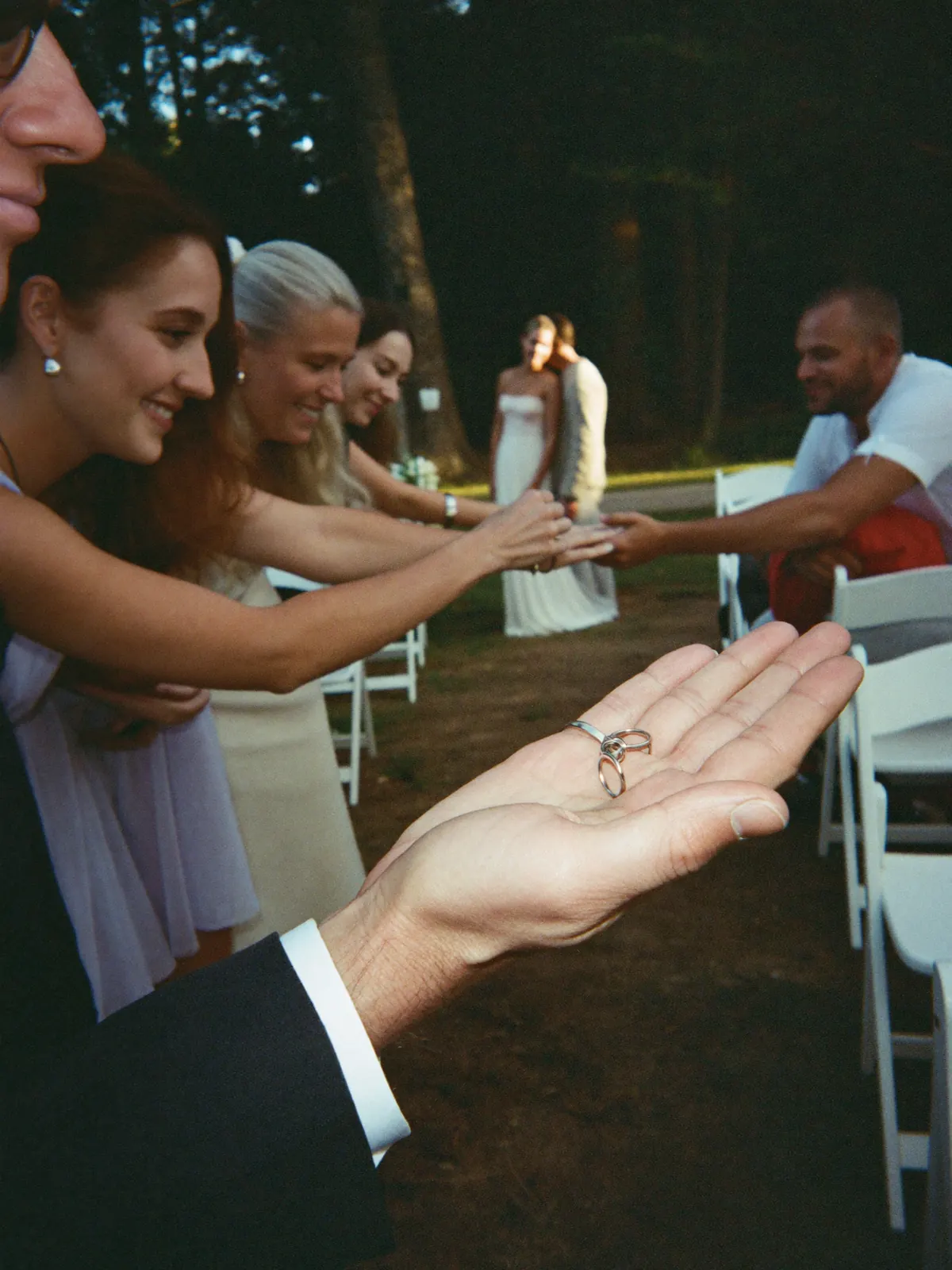

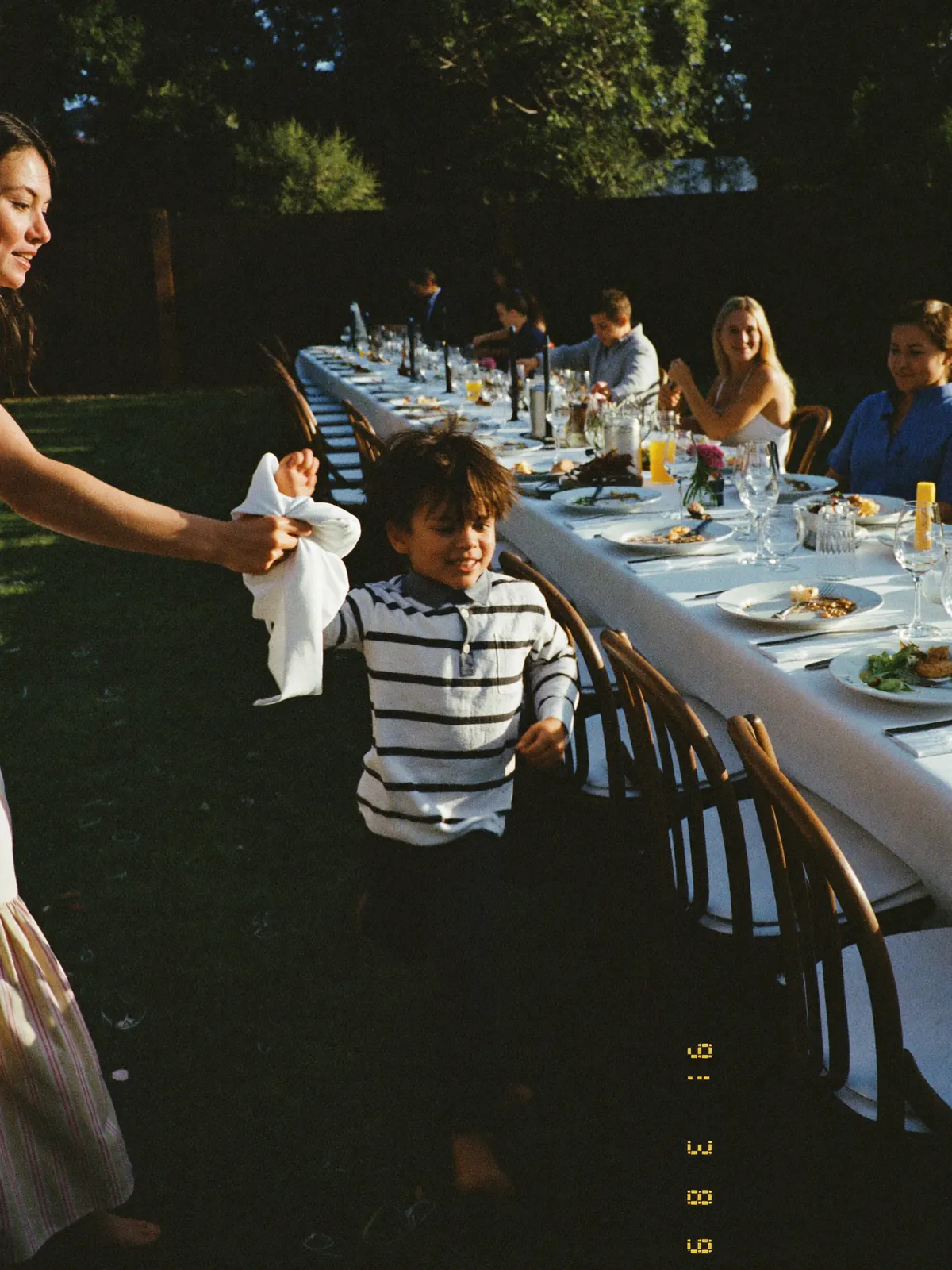
No account, no invite, no group thread. Including guests who want nothing to do with apps.
You decide who can open the page, and starting when.
Full size, for you and for any guest who wants to keep something.
Your event gets its own page.
Photos, videos, and voice notes from everyone — one page, one link. On their laptop or in their pocket, it’s the same album.
Open to every guest
Anyone with the link is in. No account, no sign-up.
Or only for the people who were there
A password on the page. You pass it on to whoever you choose.
 Clara
Clara Felix
Felix Samir
Samir Clara
Clara Felix
Felix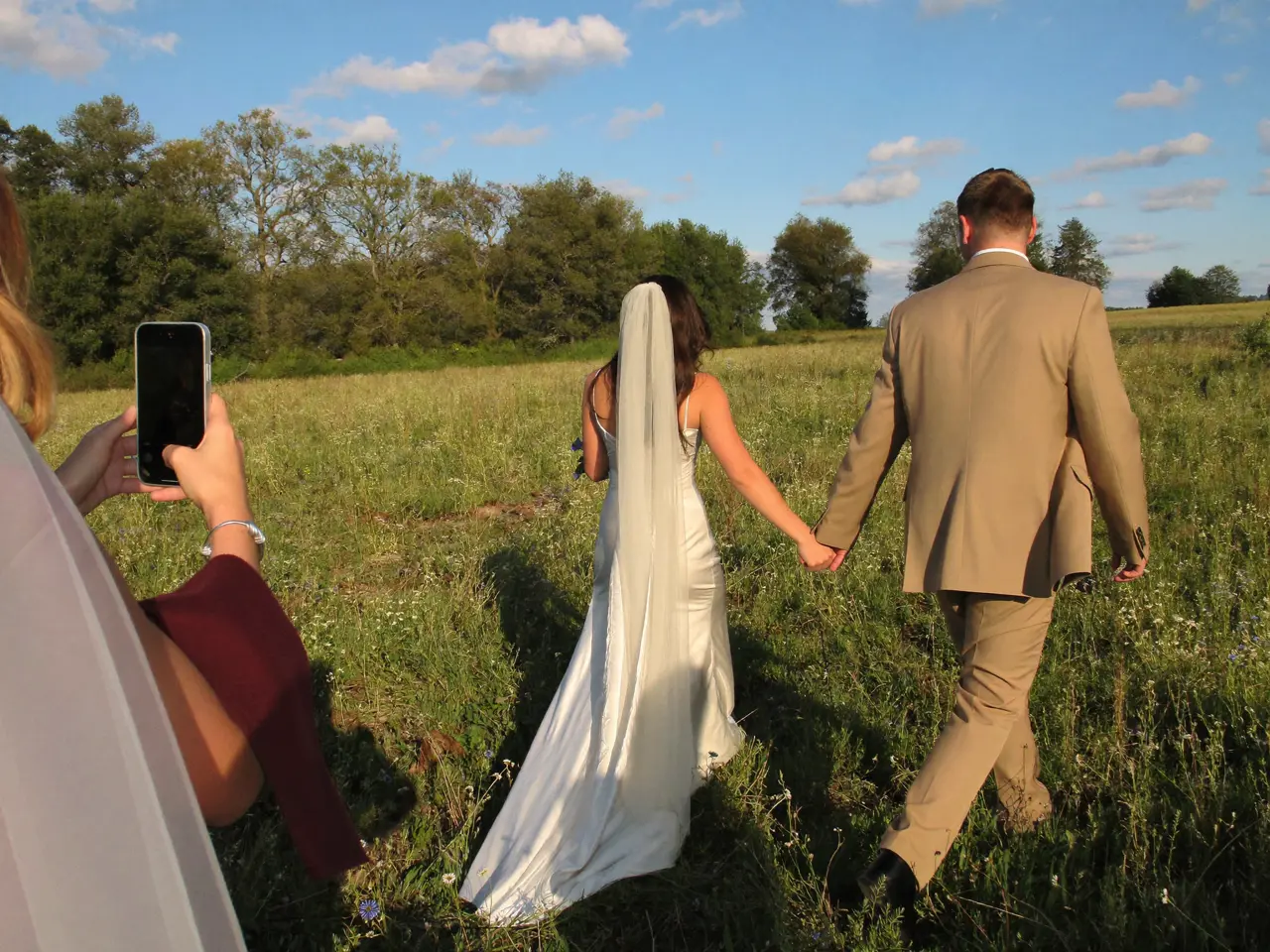 Samir
Samir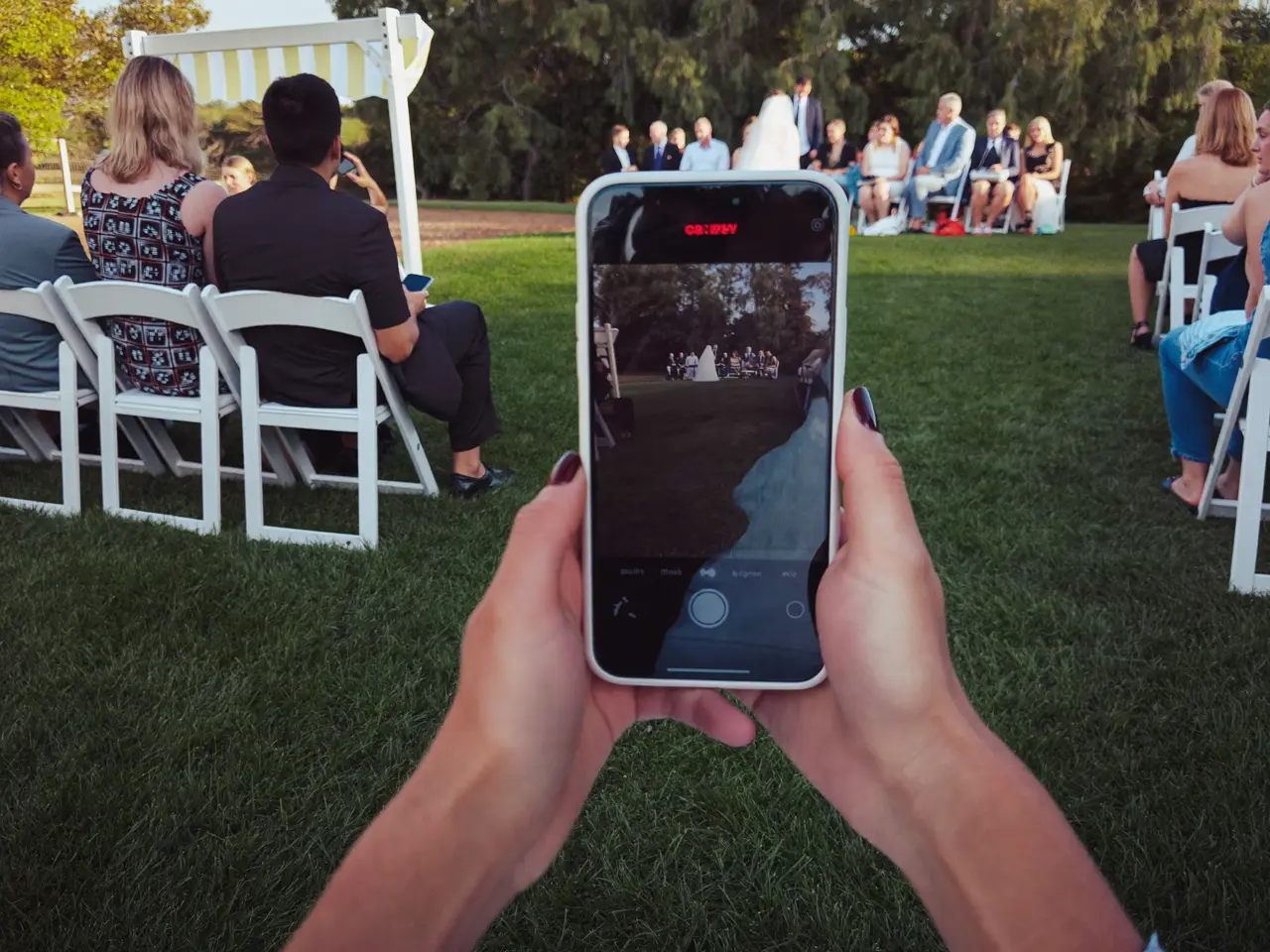 Clara
Clara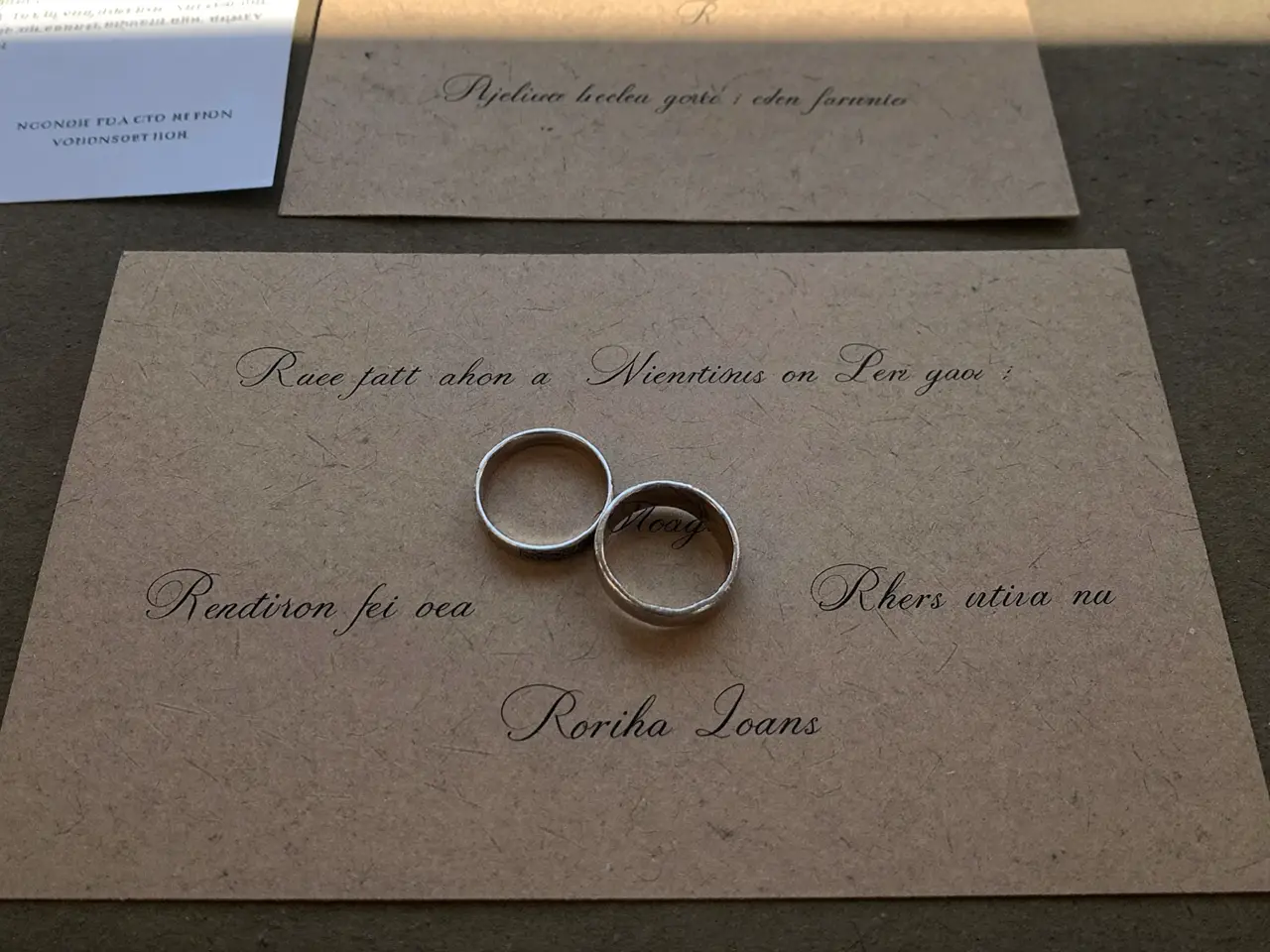 Felix
Felix Samir
Samir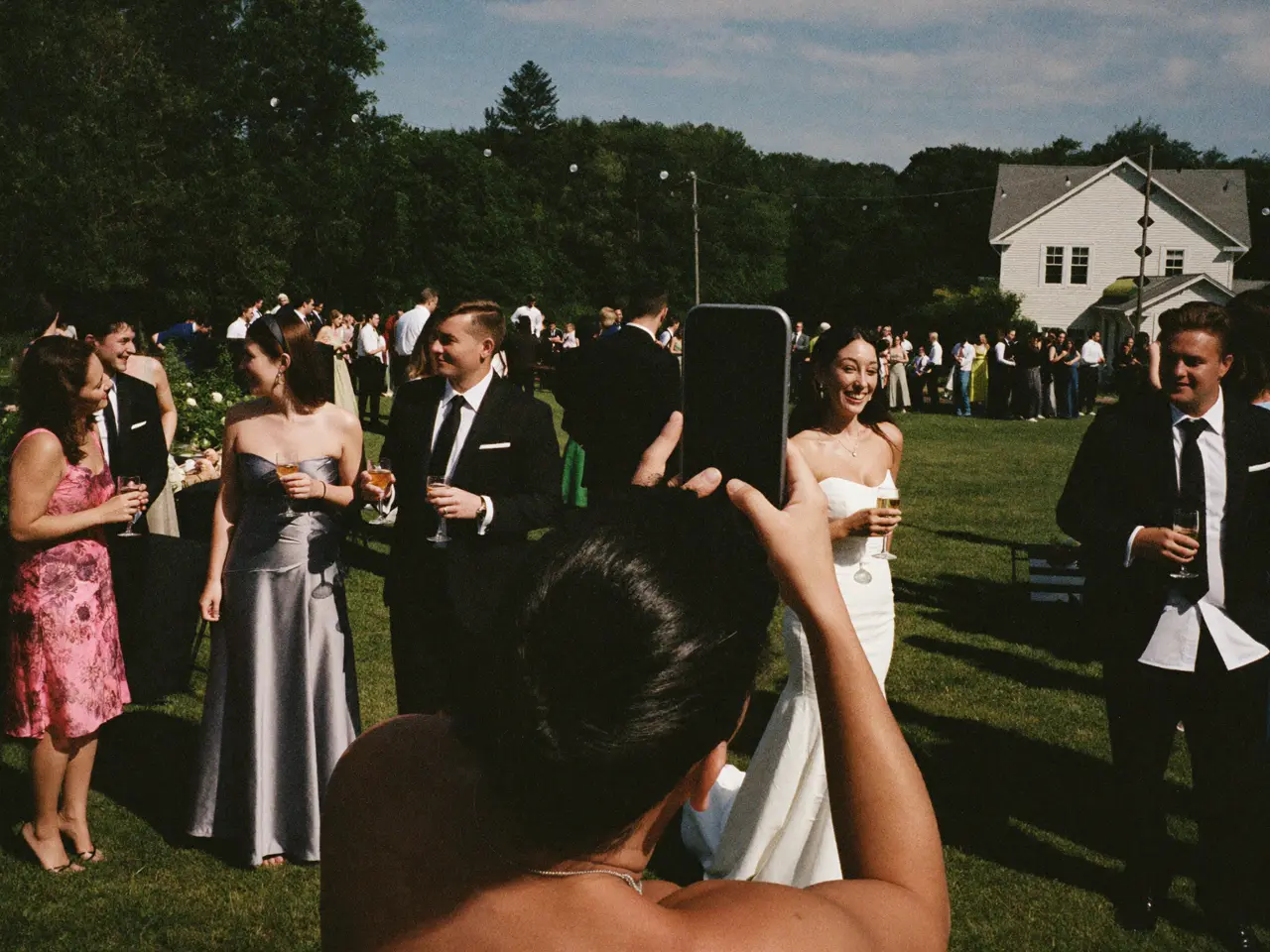

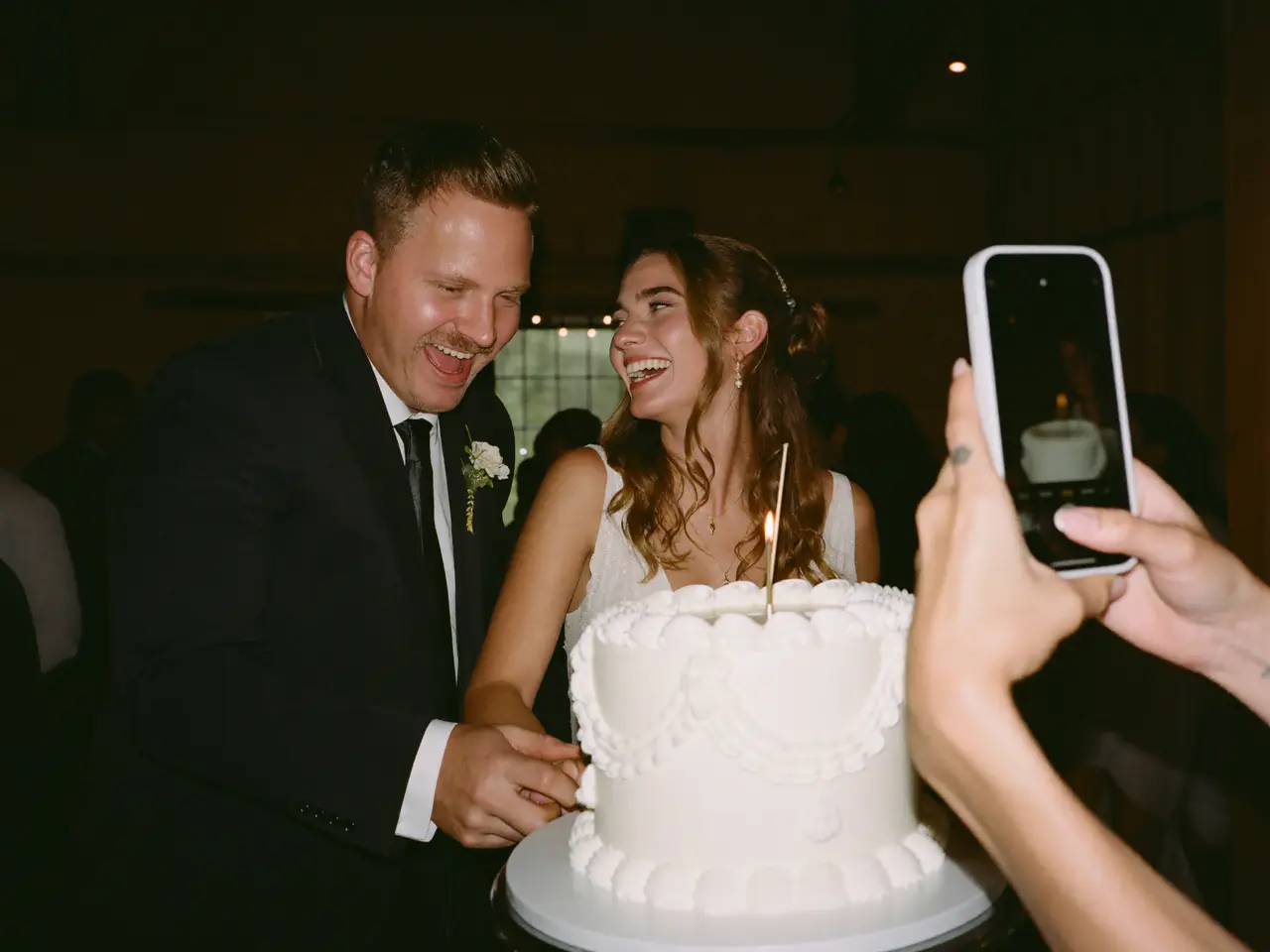

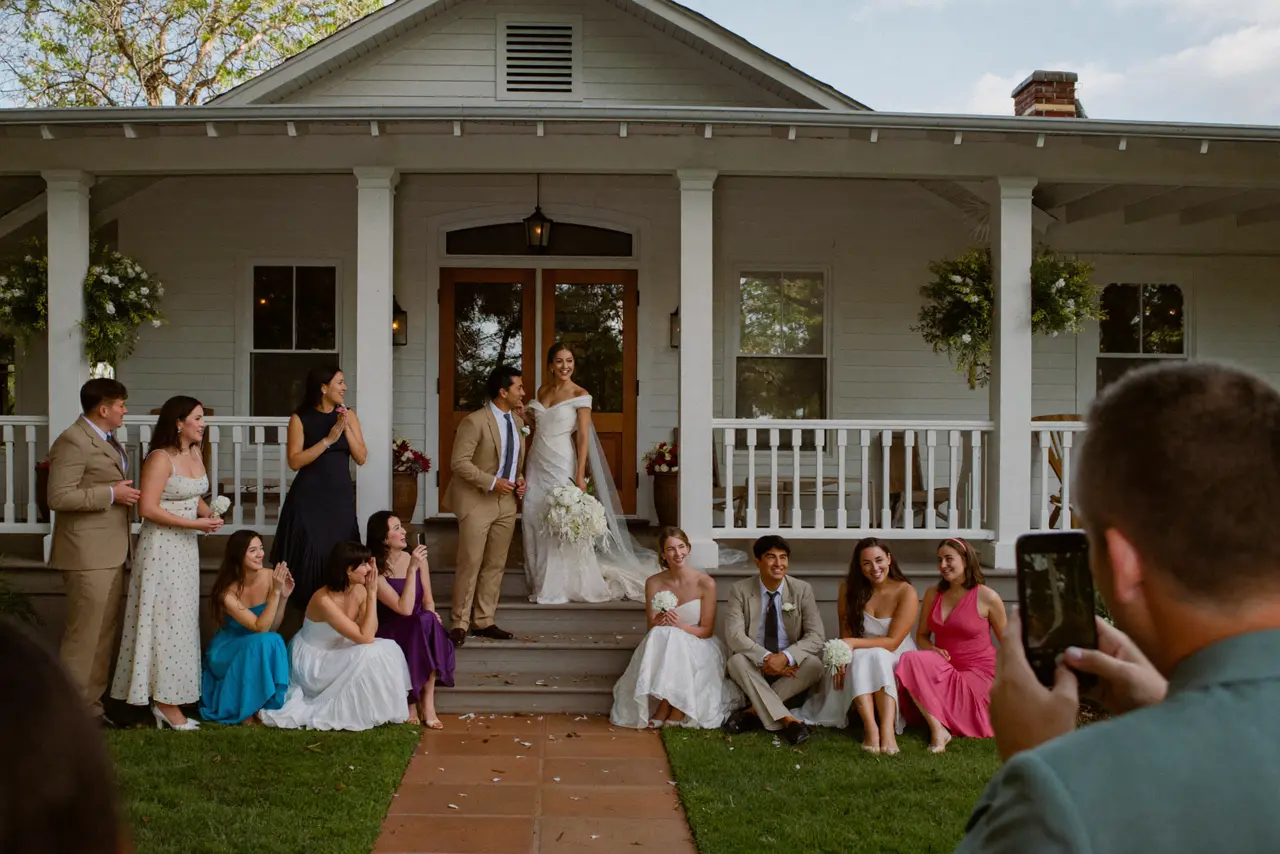
The same code takes video and voices too.
“Emily and Jake — here’s to forever. I can’t believe this day is finally here. Love you guys.”
 Rachel0:08
What the QR code got you in the end.
The day after the party the album is complete and nobody had to chase anyone. Six things are yours for sure.
Every original
Full resolution — not the copy a group thread crushed to 200 kilobytes.
The videos too
Entrance, first dance, the toast. As files, not as a filmed screen.
The voices
Voice messages from your guests — through the same code, with no second set of instructions.
In time order
The day in the order it happened.
With a name next to it
You can see who shot each picture. Years later, still.
You stay in control
Any picture can be hidden or deleted before you send the link.
What does a QR code for photos cost?
The code itself costs nothing — it comes with the album. Start free and pay only when you need more than the free tier holds. One price per event, no subscription, nothing extra per guest.
- 60 photos, videos & voice notes
- 5 GB storage
- Unlimited guests — no app needed
- 30-day album
- Badge on shared media
- No original-quality download
- Unlimited photos, videos & voice
- 50 GB storage
- Download all originals (ZIP)
- No badge on your media
- 90-day album
- Host moderation tools
- Everything in Essential
- 100 GB storage
- Live photo wall at the venue
- 6-month album
- Video up to 10 min
- Priority support
- Everything in Celebrate
- 250 GB storage
- Live stream for guests who can’t make it
- Voice notes transcribed
- Custom link
- 1-year album
What hosts ask us
How do I create a QR code for photo uploads?
You create an album — name and date is enough — and the QR code comes with it as a print-ready PDF. You do not need a generator: the code has to point at an upload page that belongs to you, not at somebody else’s folder.
Do my guests need an app for the QR code?
No. Every phone camera has recognized QR codes for years. The code opens a web page in the browser — nothing to download, nothing to sign up for.
Does this work for wedding photos?
Yes, that is what it is used for most. The code goes on the place cards and the menu, and your guests upload photos, video and voice messages into the same album.
How large does the QR code need to be printed?
On a place card 1 inch across is enough; on a standing sign, 2 inches. You get it as vector, so it stays sharp at any size.
What if a guest cannot scan the code?
The same address is printed underneath as text. Anyone can type it in — or hand their picture to the person next to them, who uploads it too.
Can I use the same QR code for more than one event?
No, and that is deliberate. Every album has its own code so two events never pool their photos.
Does the code change after I print it?
No. Once generated it stays valid — you can put it on the invitation weeks ahead.
Is the album behind the QR code public?
No. The code opens a private page that nobody finds by searching. Whether your guests see each other’s photos is your call: show the album during the party, keep it behind a password, or release it afterward.
Anything else? Message us — we answer the same day.
Before you print
One code on the table beats twenty group texts.
Create the album, print the code, set it down. Your guests do the rest — no app, no account.
- 1Create the album — free
- 2Print the QR code PDF
- 3Set it on the tables