The party album that builds itself.
One QR code at the party. Guests scan it, add photos, videos and voice notes — no app, no sign-up. Everything ends up in one album, and the originals are yours.






What is party photo sharing?
Party photo sharing by QR code is one album every guest can add to from their own phone. You print one code and put it where people gather. Guests scan it with their camera, a page opens in the browser, and they pick their shots from the night — no app, no account. Photos, videos and voice notes land in the same album, and you download the originals.
iPhone or Android, new or cracked. The code opens a web page — that’s the whole trick.
Clips and voice messages land right next to the photos. The loud parts of the night make it out alive.
Guests put their name on what they send. A week later, you still know who caught what.
Five moments a party never gives back.
There’s no photographer coming to a house party. The whole night lives on your guests’ phones, and almost none of it ever reaches you — you get the group-chat trickle, six compressed shots and half of them blurry. These five moments are the ones hosts go asking around for a week later, and one QR code catches all five.
The setup, still perfect
The first friend through the doorGone by MondayString lights on, cooler stocked, the table you fussed over. An hour in, it’s buried in cups.
Reunion hugs at the door
Whoever’s standing closestGone by MondayHalf this crowd hasn’t shared a room since graduation. Nobody films the hellos.
Somebody taps a glass
The friend standing nearestGone by MondayThirty seconds of somebody saying the thing everybody felt. Nobody hits record until it’s half over.
The living-room dance floor
Whoever sat this one outGone by MondayYour friends, dancing badly to a song they fought over. In ten years, it’s the video you’ll want most.
The countdown, or the last song
Every phone in the roomGone by MondayThe one moment every camera catches is the one you never get a copy of.
Nobody hires a photographer for a house party. Every camera in the room belongs to a guest — the album just gets their shots to you.
How do you get the photos off everyone’s phones?
You set up the album before the party — it takes about two minutes — and get a QR code as a print-ready PDF plus a plain link. Tape the code to the cooler, the front door, wherever people stop. Guests aim their camera at it, the album opens in the browser, and an upload takes a few taps. Files show up while the music’s still going.
Name the party
Two minutes, before anyone shows up. You get a QR code as a print-ready PDF plus a plain link for the invite text.
Tape the code up
The cooler, the snack table, the front door, the bathroom mirror. People scan where they stand around.
Nothing to chase
Photos, videos and voice notes land all night, each one signed. Peek mid-party or wait for morning coffee.
The whole night, on one page.
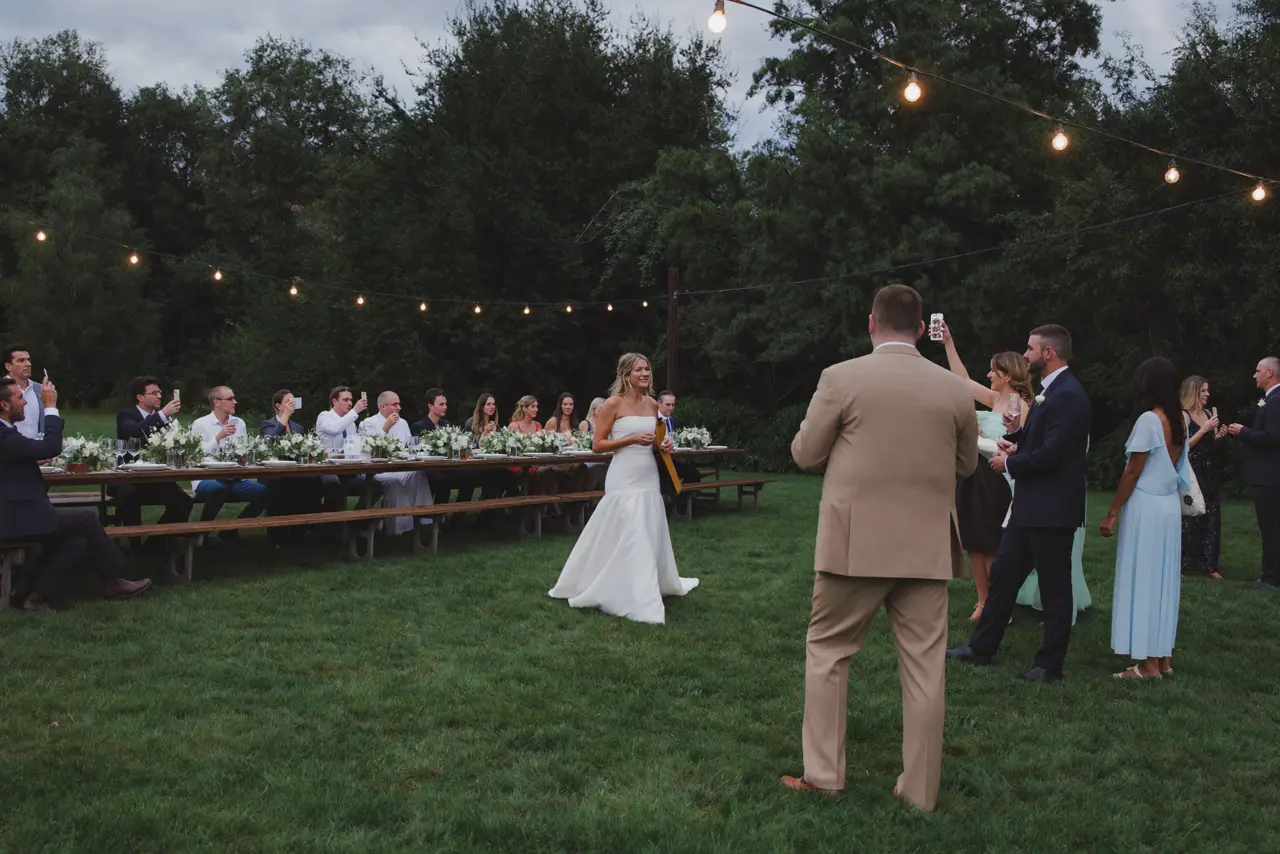
Every file from the night lands in one album: in the order it happened, with a name attached. You send a single link. People open it on any phone or laptop, scroll the party from every angle at once, and save what they want to keep. Open to anybody with the link, or locked behind a password — your call.
Nobody joins anything. Guests open the link and they’re in.
The whole block, or only the folks who were actually there. You pick.
Full quality, ready to save — not what a text thread does to a video.
Your event gets its own page.
Photos, videos, and voice notes from everyone — one page, one link. On their laptop or in their pocket, it’s the same album.
Open to every guest
Anyone with the link is in. No account, no sign-up.
Or only for the people who were there
A password on the page. You pass it on to whoever you choose.
 Clara
Clara Felix
Felix Samir
Samir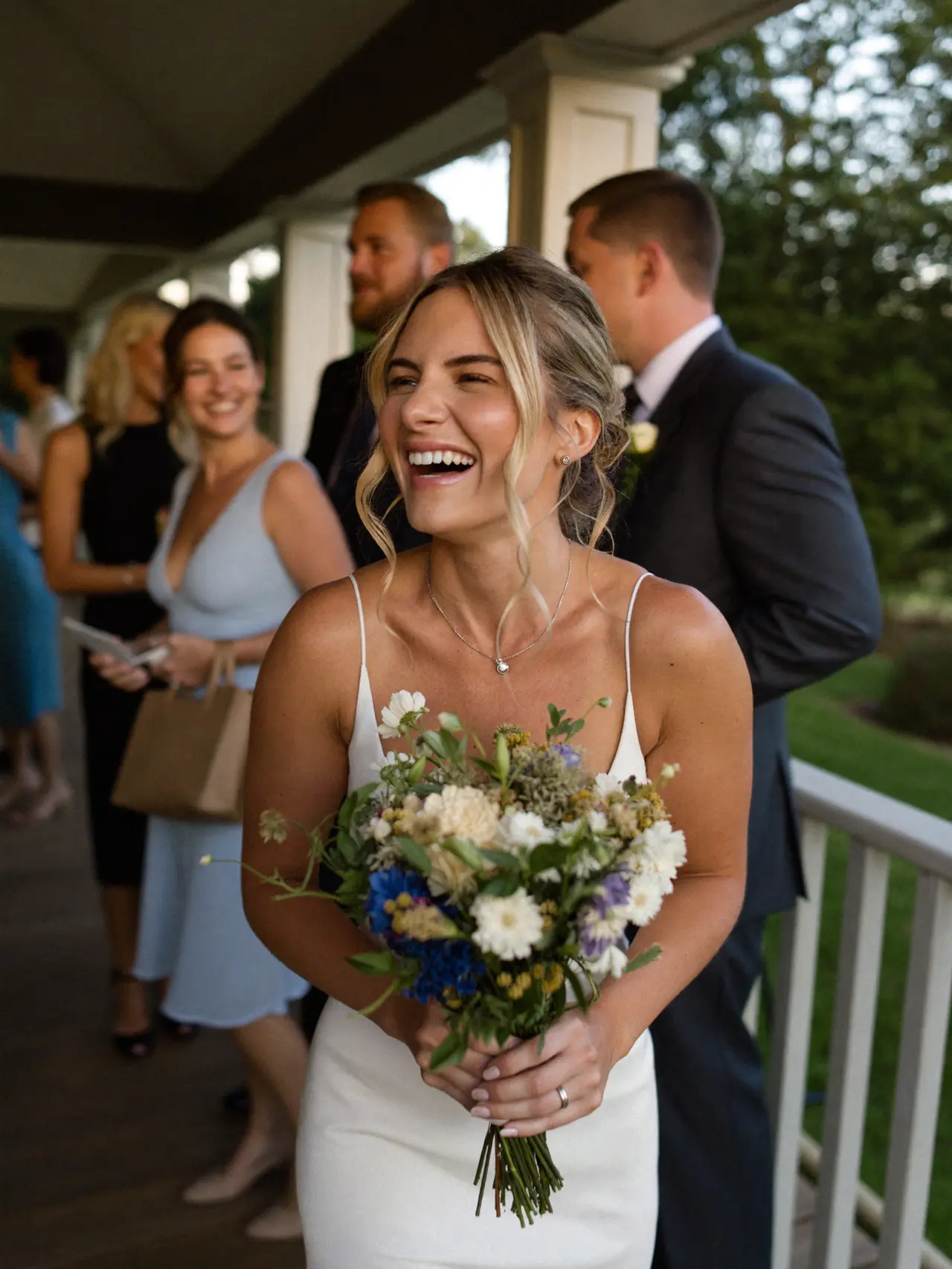 Clara
Clara Felix
Felix Samir
Samir Clara
Clara Felix
Felix Samir
Samir

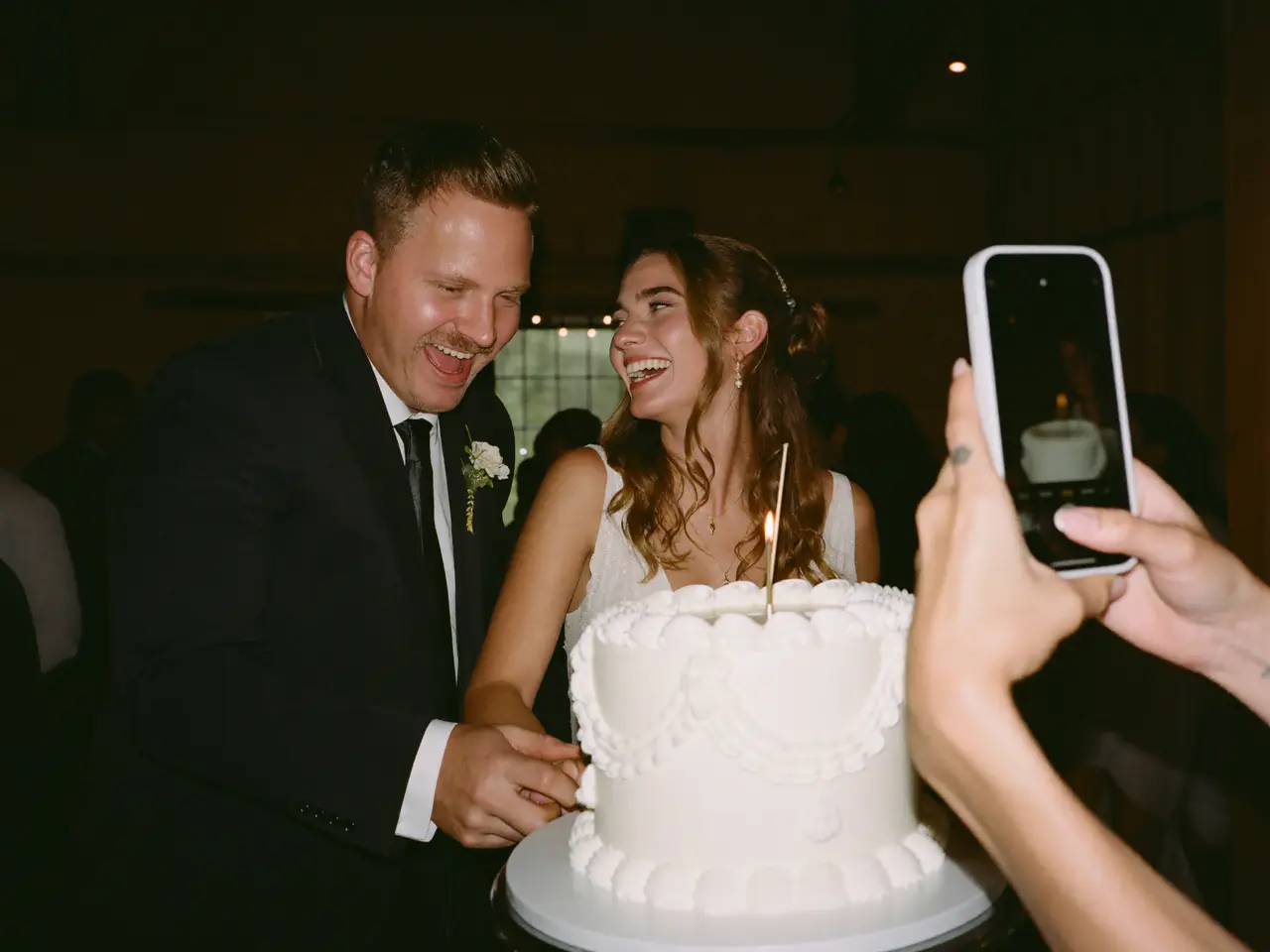

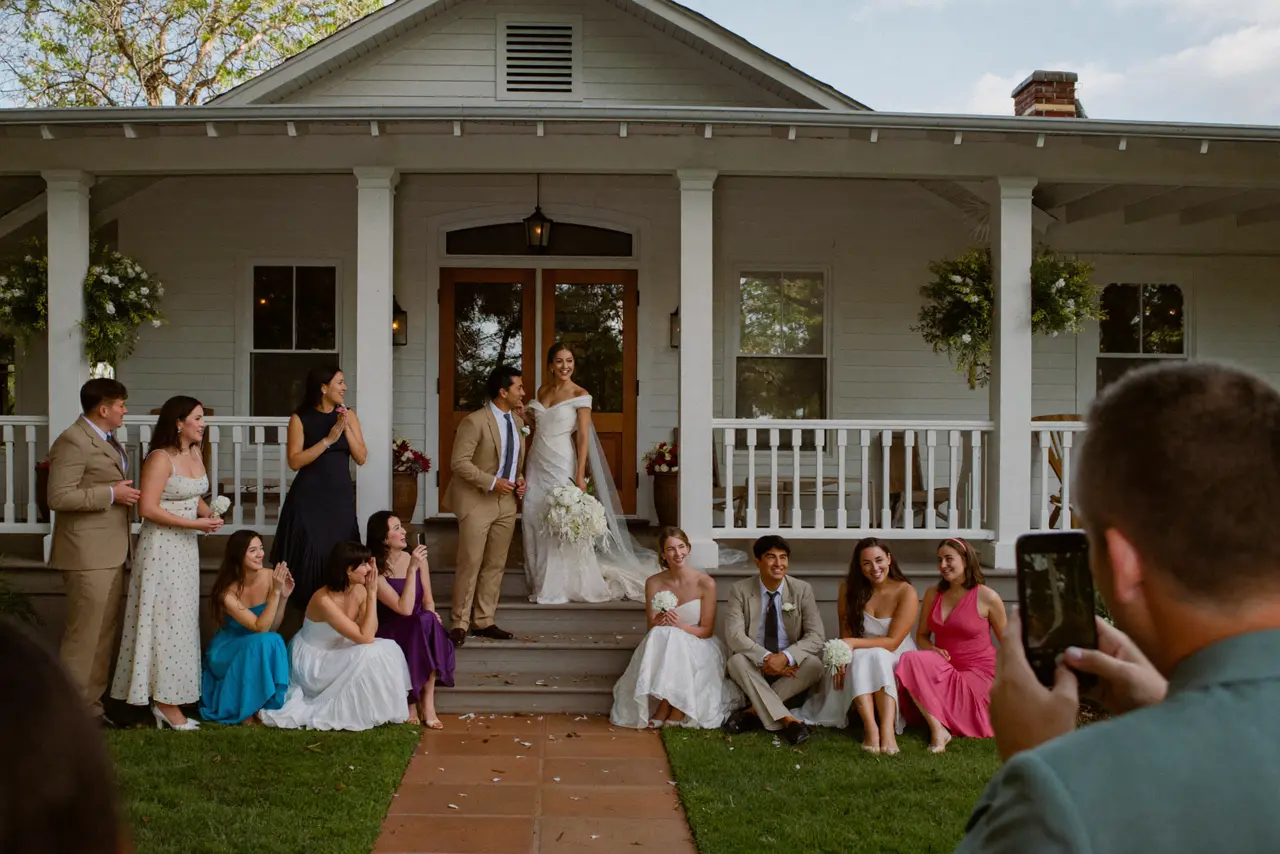
What you wake up to.
By the time the recycling’s out, the album is full and nobody had to text you a thing. Scroll it once, hide what shouldn’t live forever, then grab the whole night as one download. Every file at full quality, on your drive, before the weekend’s even over.
The originals
Full quality, straight off the phone that shot it — not a screenshot of a screenshot.
The videos
The dance floor, the sparklers, the toast. Downloadable, watchable, yours.
What got said
Voice messages from mid-party — things your friends would never type. Going-away parties run on these.
The whole timeline
Doorbell to last call, timestamped and in order. You sort nothing.
Who took what
Every upload is signed. You’ll know exactly who caught the 1 a.m. karaoke.
Final say
Anything you’d rather forget is gone before anyone else sees the album.
What does a party album cost?
You pay once per party, and that’s it. No subscription, and the size of the guest list never moves the price. Start free, and upgrade only if the night outgrows the free plan.
- 60 photos, videos & voice notes
- 5 GB storage
- Unlimited guests — no app needed
- 30-day album
- Badge on shared media
- No original-quality download
- Unlimited photos, videos & voice
- 50 GB storage
- Download all originals (ZIP)
- No badge on your media
- 90-day album
- Host moderation tools
- Everything in Essential
- 100 GB storage
- Live photo wall at the venue
- 6-month album
- Video up to 10 min
- Priority support
- Everything in Celebrate
- 250 GB storage
- Live stream for guests who can’t make it
- Voice notes transcribed
- Custom link
- 1-year album
Questions hosts actually ask
What kinds of parties does this work for?
All of them. Housewarmings, engagement parties, grad parties, going-away parties, New Year’s Eve, a backyard cookout for no reason at all. Name the album after your night and the code does the same job at every one.
Where should the QR code go at a house party?
Wherever people stand still. The cooler, the snack table, the front door, the bathroom mirror — a plain printed sheet does the job. Drop the link in the group text too, so people have it before they even show up.
Do guests need iPhones, or a certain app?
Neither. The code opens a normal web page in whatever browser the phone already has — iPhone, Android, doesn’t matter. No account, no install. Nobody installs anything at a party.
Can I keep embarrassing photos out of the album?
Yes. Flip moderation on and nothing goes public until you’ve approved it. Leave it off and you can still pull anything down the second you spot it — nobody gets notified either way.
Do uploads stop when the party does?
No — the link works as long as the album is open. Half the good stuff shows up the next afternoon, when people finally scroll their camera roll on the couch. Whatever choked on the backyard wifi goes through fine from home.
Do people actually leave voice notes at a party?
They do — parties are exactly where people have something to say. A guest can record a message right on the upload page and sign it. At going-away parties and engagements, those clips are what the host replays a year later.
How many guests can one album take?
As many as you invite — guest count never changes the price on any plan. Paid plans put no cap on photos, videos or voice notes either. The free plan is capped, and the plan cards below spell out what it holds.
How long does the album stay up?
Every plan lists its own album window right on the plan card. Inside that window, you and your guests can open, add to, and download from the album as much as you want. Save your originals before it closes and the night is yours for good.
Can guests download the photos too?
If you want them to, yes. Everyone opens the same link, sees the whole album, and saves anything in full quality. Put a password on it if the night was invite-only.
Anything else? Message us — we answer the same day.
Before you send the group text
The party is one night. The photos don’t have to be.
Set the album up in two minutes, print the code, tape it up. Your guests do the rest from their own phones — nothing to install, nothing to join.
- 1Start your album — free
- 2Tape the code up by the cooler
- 3Download the whole night tomorrow