Every wedding guest photo, in one album.
The best shots from your wedding are on everyone else’s phone. A QR code on the table collects them for you, full size, without asking twice.









How do you collect wedding photos from guests?
You create an album before the wedding and get a QR code with it. It goes on the tables. Guests scan it with the phone camera, pick their shots and upload — no app, no account, nothing to install. Photos land the way they were taken, and you download all of it afterward.
You stop chasing people for pictures. The code sits on the table and asks for you.
The entrance, the toast, the laugh right after. Not just stills.
You get the file off the camera, not the version a thread compressed into mush.
Where your guests’ wedding photos actually happen.
Couples end up seeing almost none of what their guests shot — not because nobody wants to share, but because there is nowhere to put it. We counted five weddings: 981 files, spread across camera rolls and group threads. These five moments are the ones that get stuck there.
Getting ready
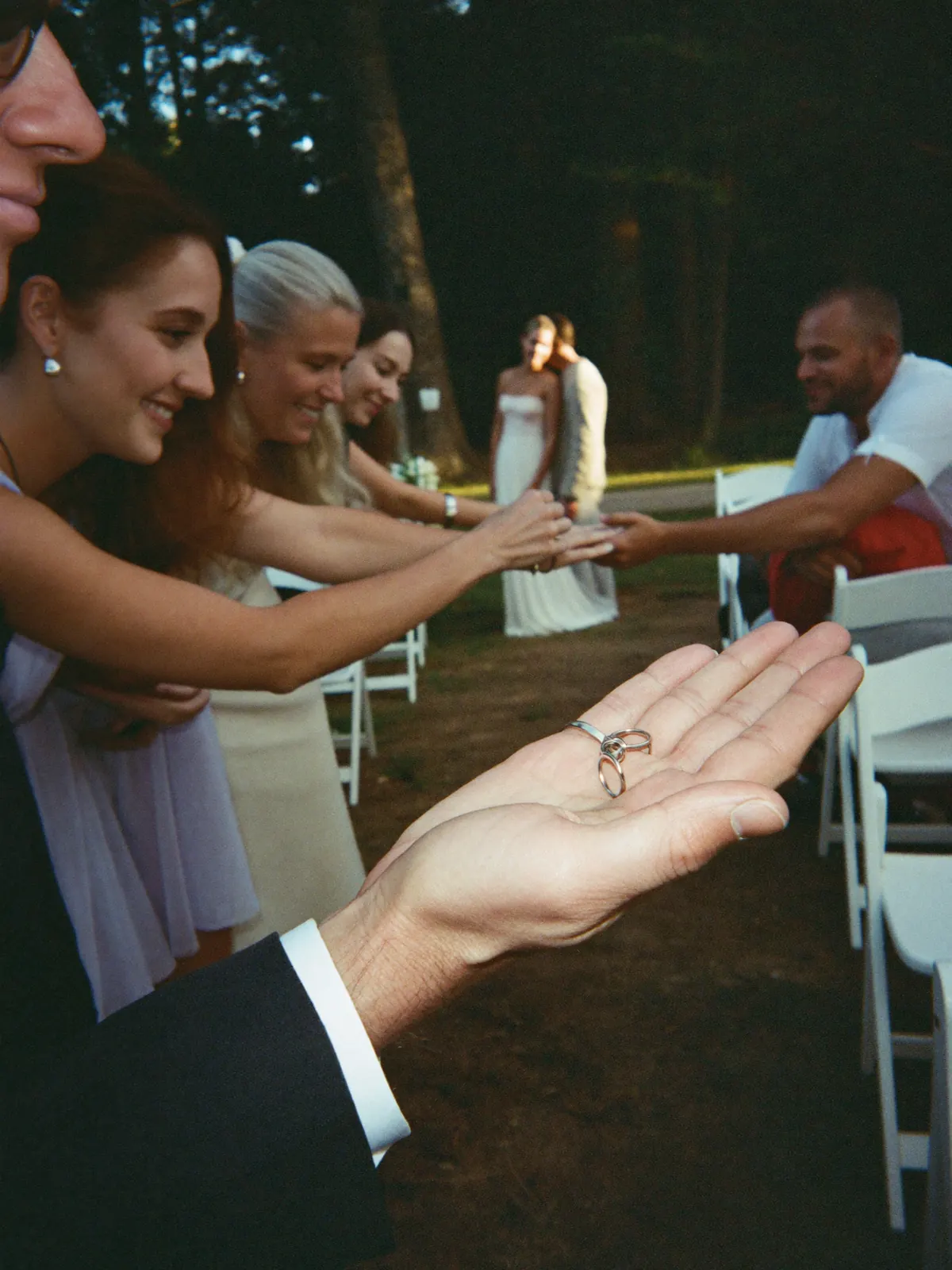
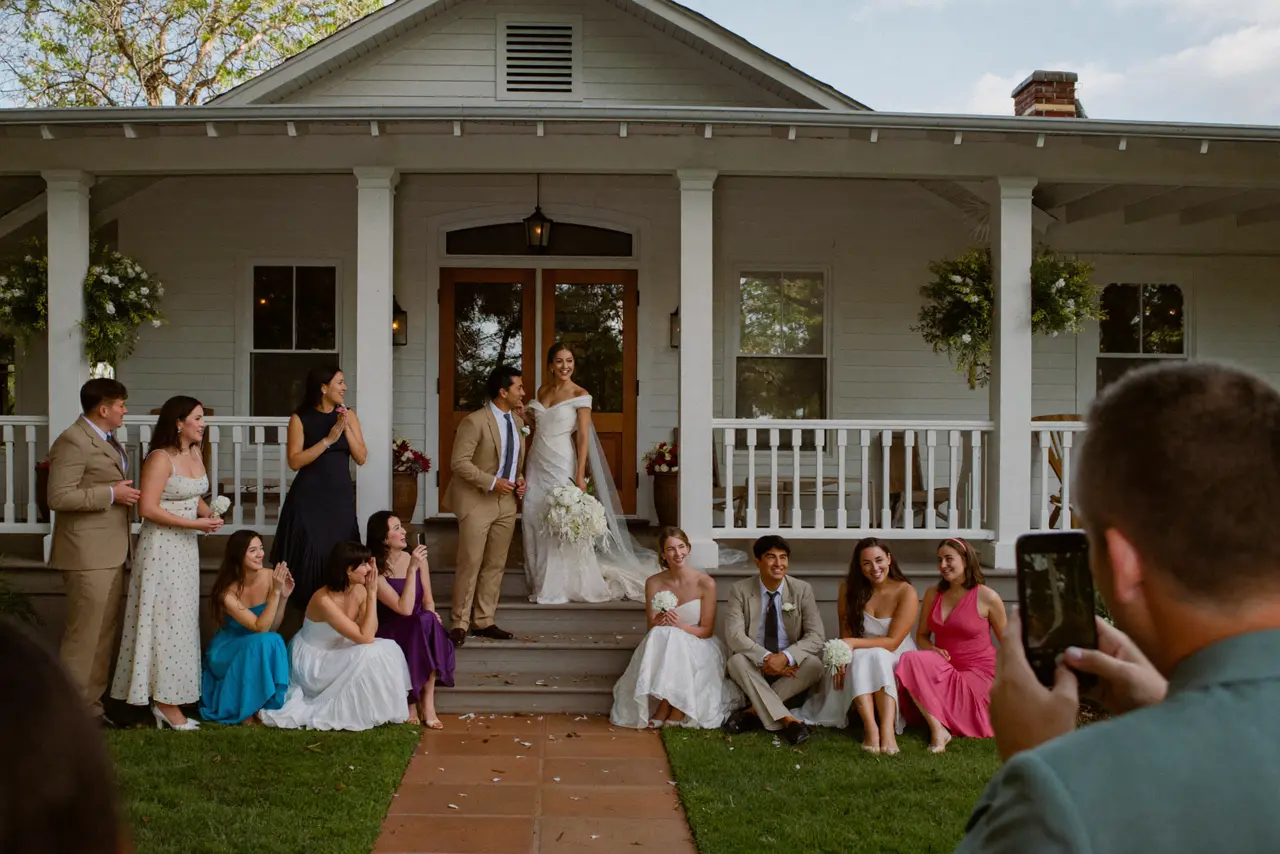
The maid of honorWhat gets lost otherwiseThe hours before the ceremony, from inside the room. Your photographer can only be in one of them.
Your vows
Everyone who was thereWhat gets lost otherwiseForty phones, forty angles on the same minute. Without an album, none of it gets to you.
Between the scheduled parts
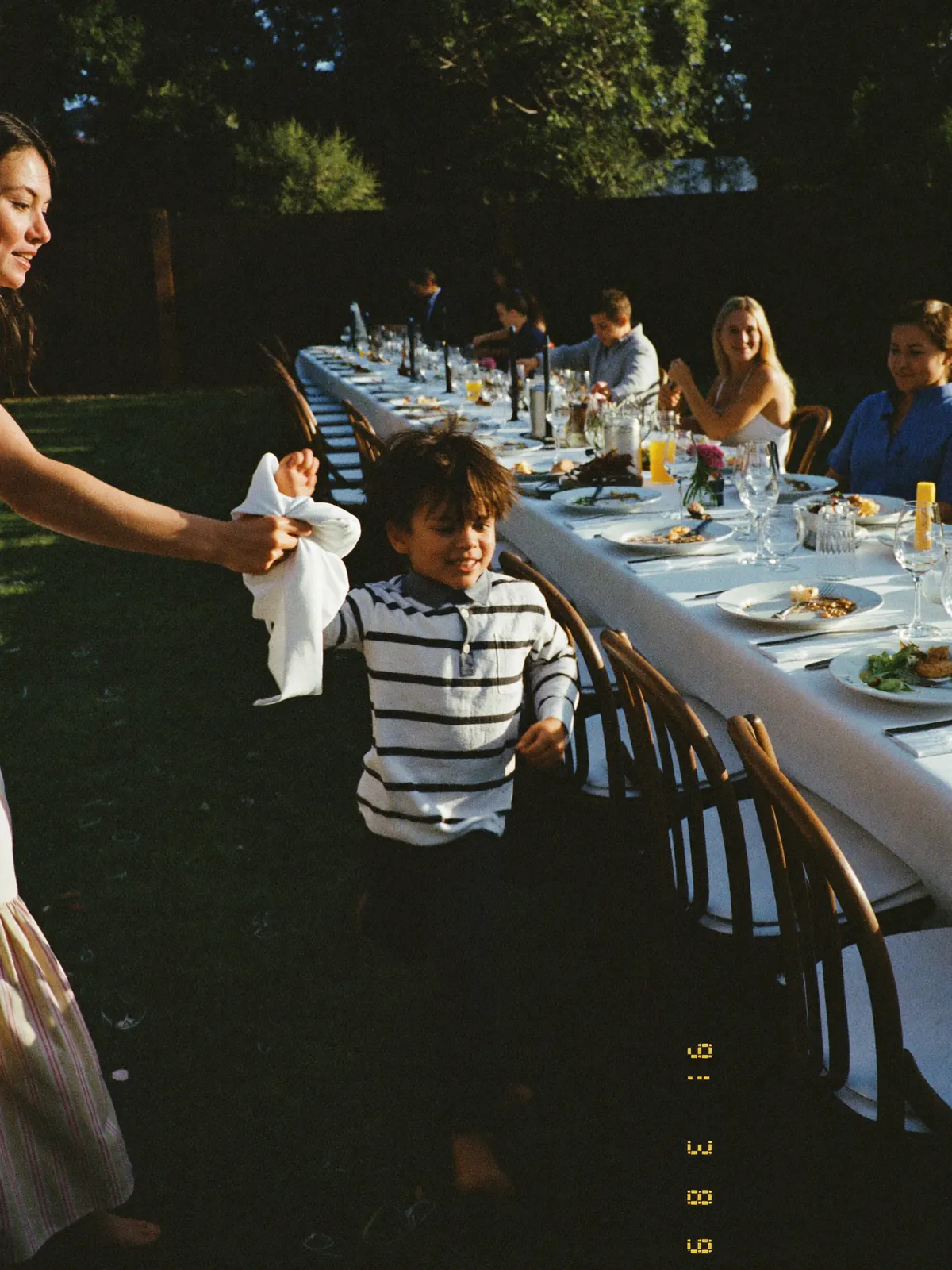
Everyone at onceWhat gets lost otherwiseThe hugs and hellos nobody books a photographer for, because they are not on the timeline.
The best man almost goes off his chair
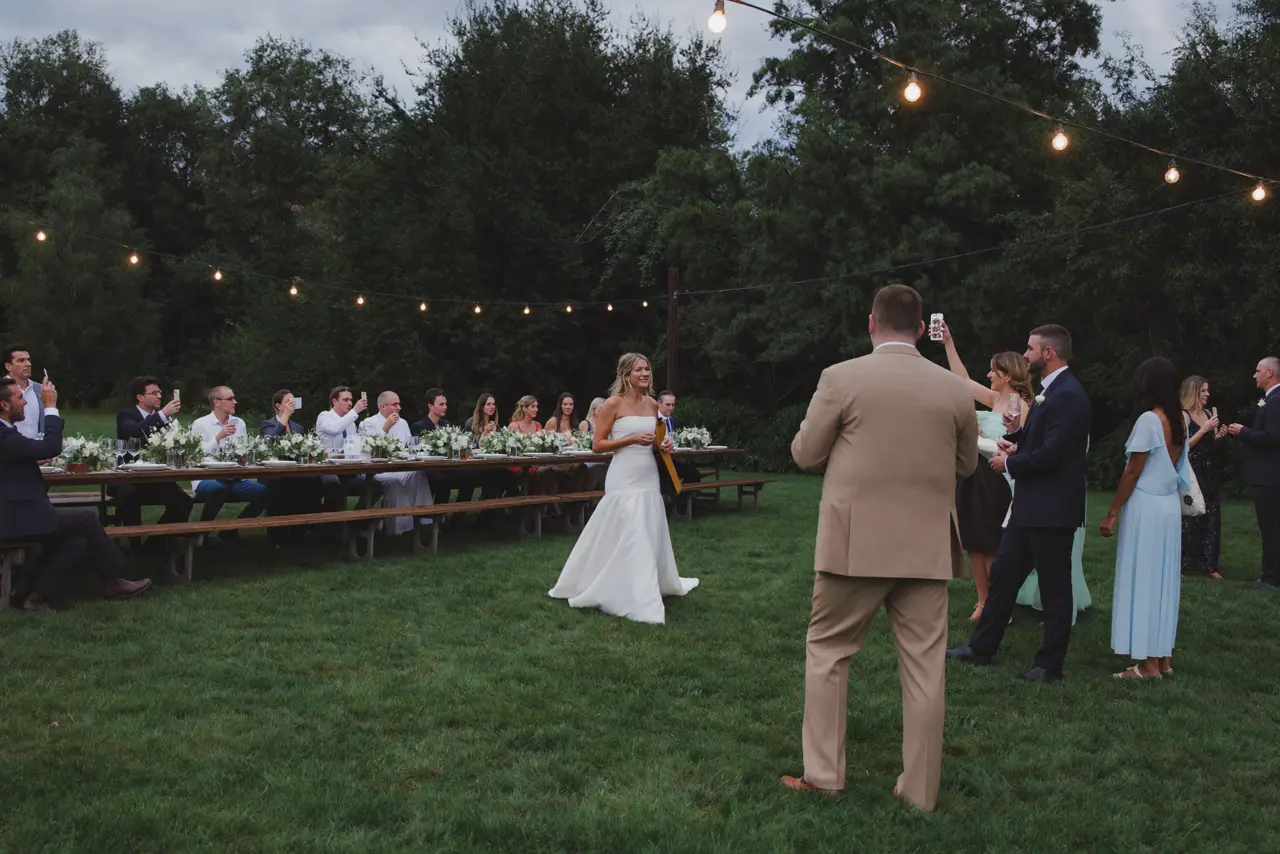
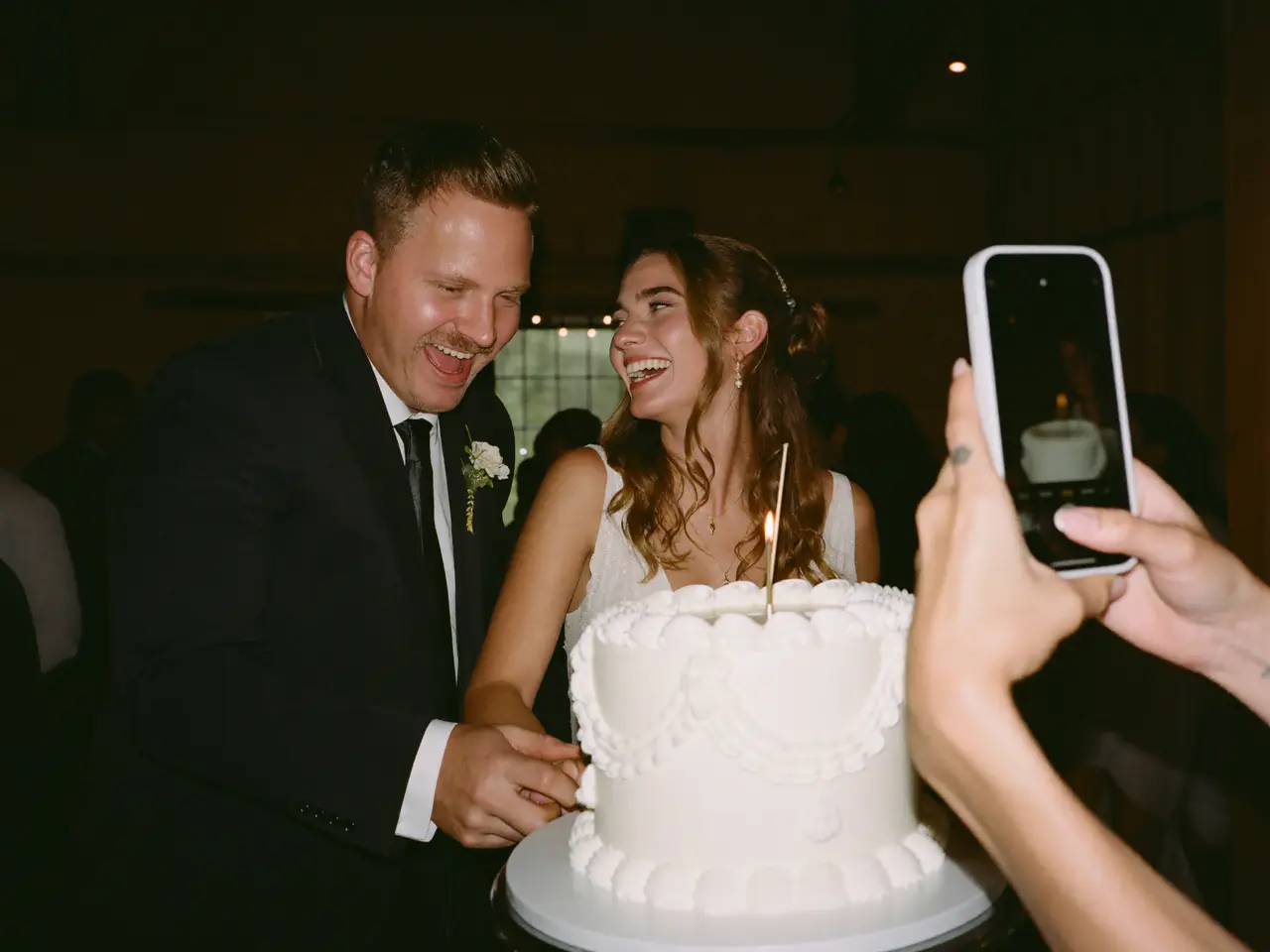
The table right in frontWhat gets lost otherwiseToasts get filmed, not photographed. Almost nobody forwards the video — too big for the thread.
Dance floor, last call
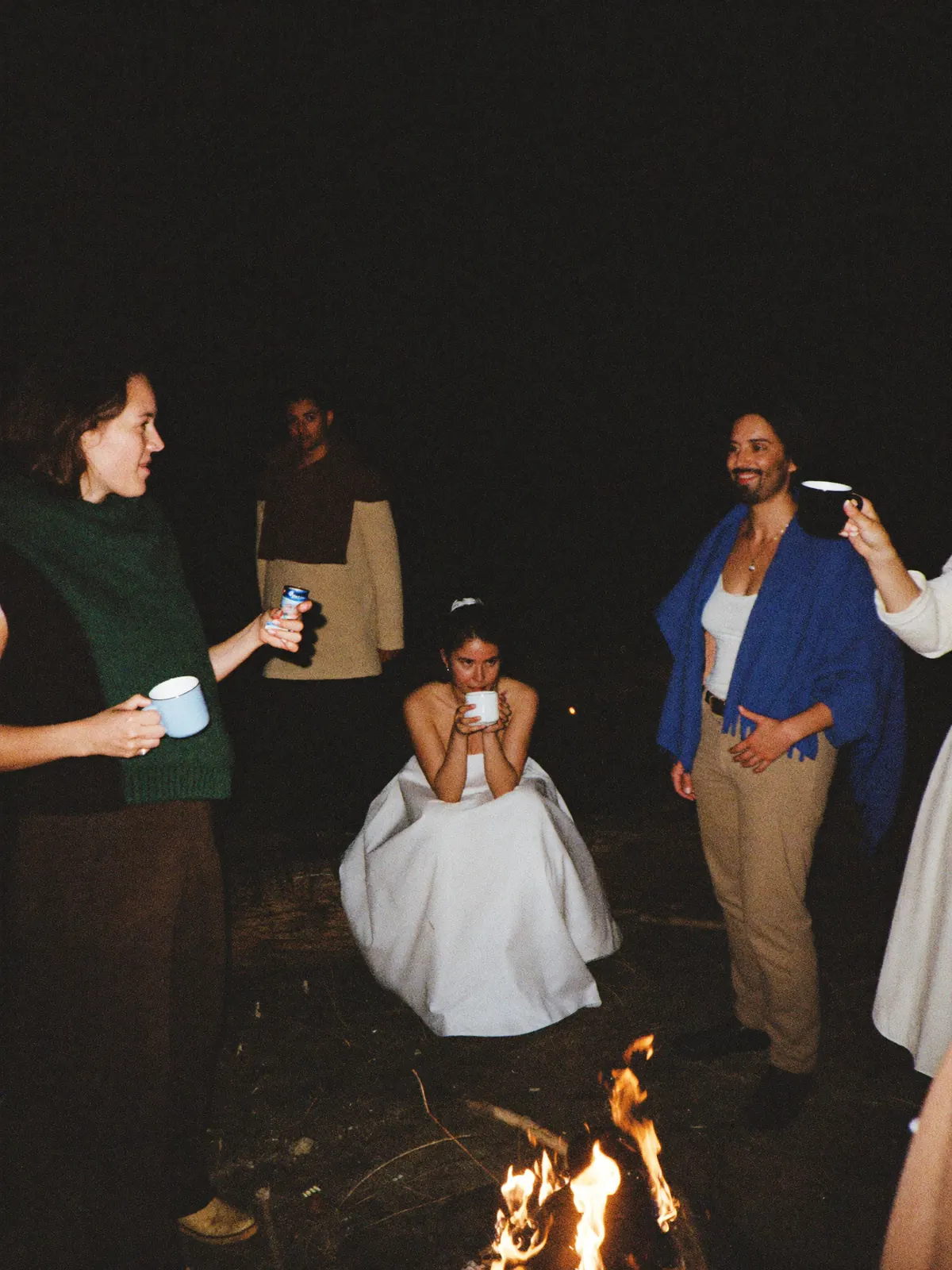
Whoever is taking a breakWhat gets lost otherwiseThe stretch of the night your photographer left hours ago, and everyone is still shooting.
None of this replaces your photographer. It is what happens next to them — and what nobody has been collecting.
Three steps from your guests’ phones into your album.
All the work happens before the wedding, and it takes a few minutes. On the day you do nothing and remind nobody: your guests find the code where they are already looking.
Create the album
Names, date, done. The QR code arrives as a print-ready PDF for place cards and signs.
Put the code on the tables
One per table, one at the entrance, one at the bar. Guests scan with the regular camera app.
Photos show up right away
Every shot lands in your album during the reception — in time order, with a name next to it.
Every guest photo under one link.
Everything your guests uploaded sits on one page: in time order, with a name next to it. You send one link and everyone gets the day back — including the people who had to leave early. Anyone who wants a shot downloads it.

No account, no invite, no group thread. Your aunt included.
You decide who can open the page, and starting when.
Full size, for you and for any guest who wants to keep something.
Your event gets its own page.
Photos, videos, and voice notes from everyone — one page, one link. On their laptop or in their pocket, it’s the same album.
Open to every guest
Anyone with the link is in. No account, no sign-up.
Or only for the people who were there
A password on the page. You pass it on to whoever you choose.
 Clara
Clara Felix
Felix Samir
Samir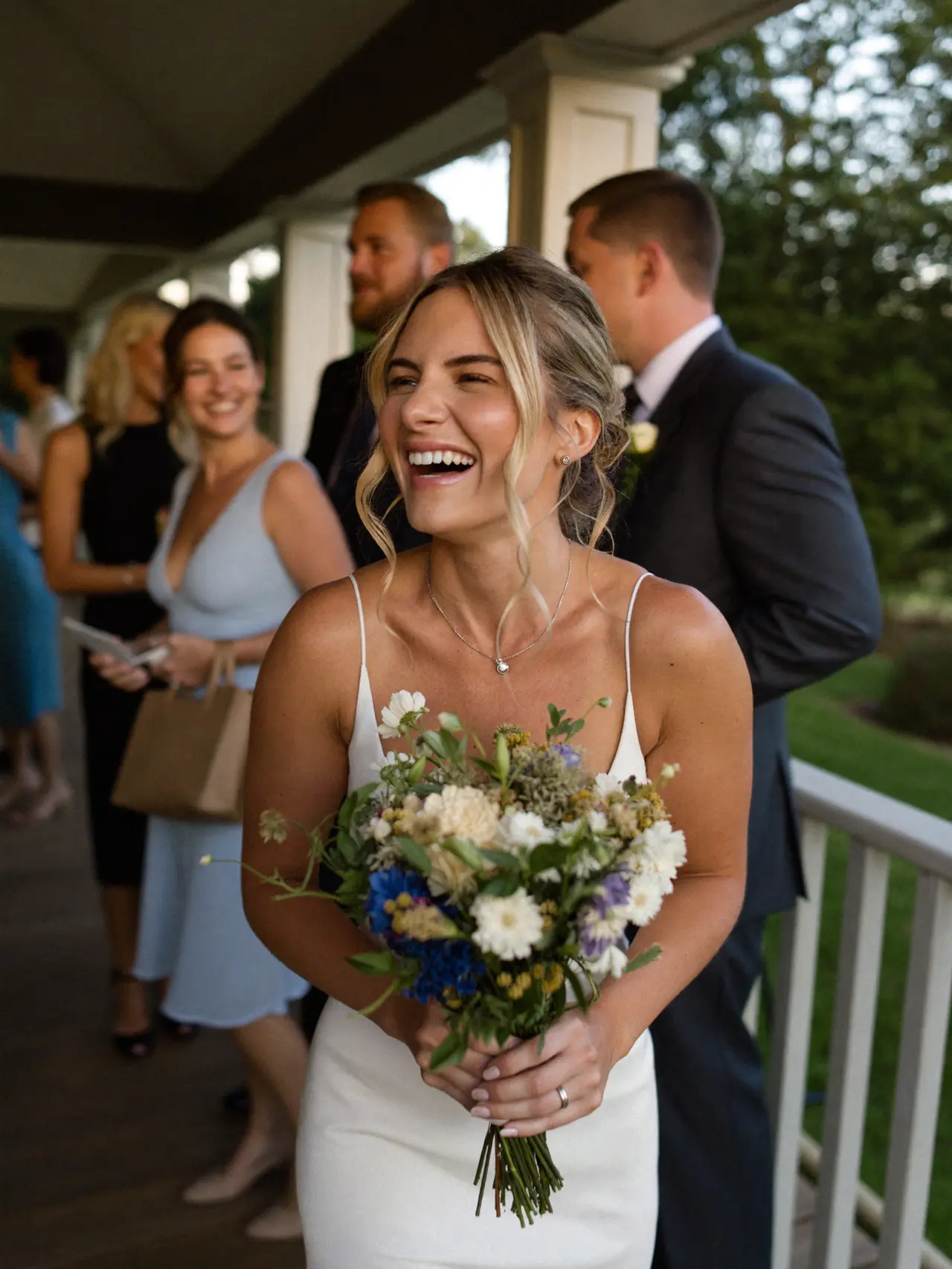 Clara
Clara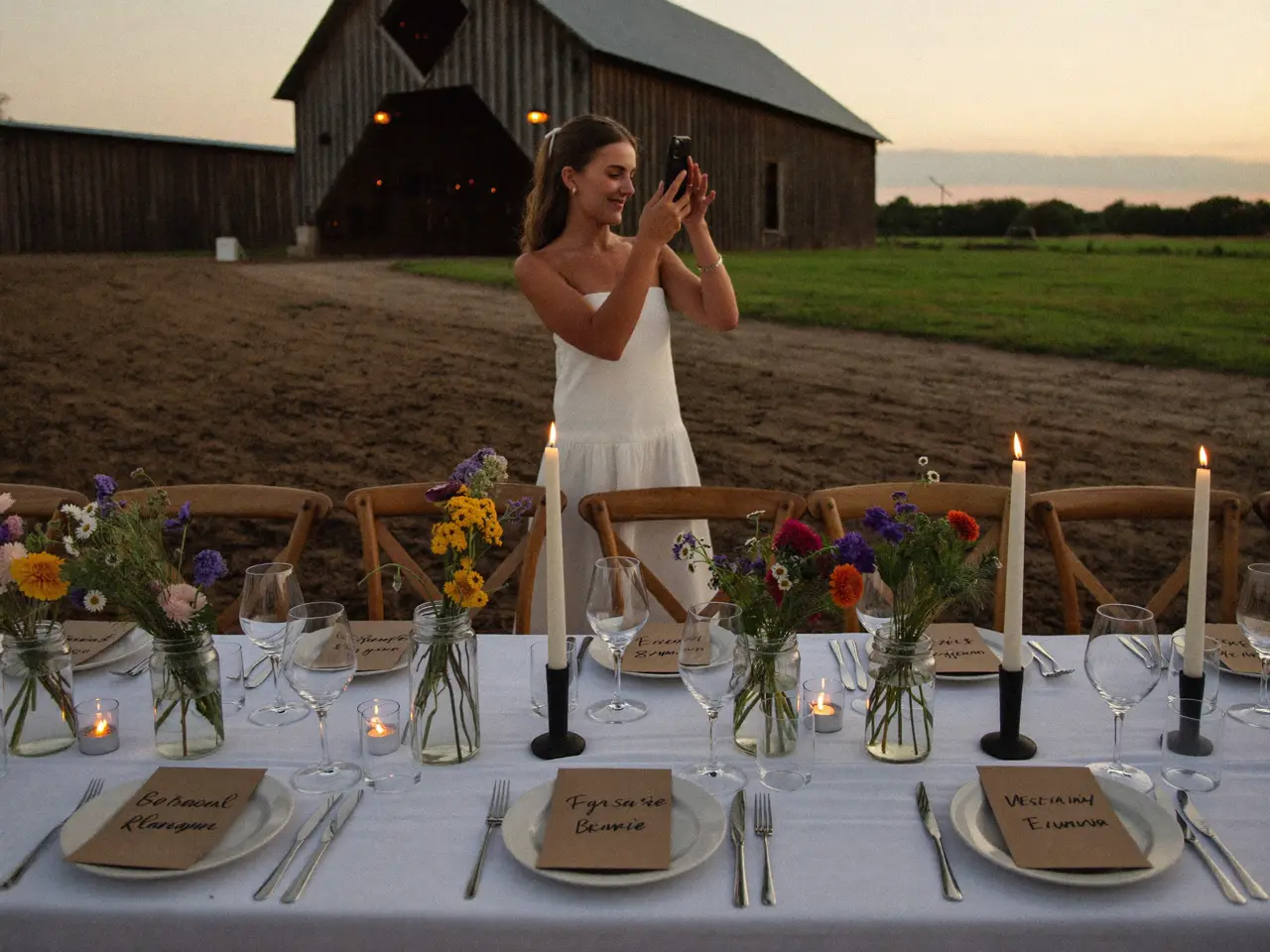 Felix
Felix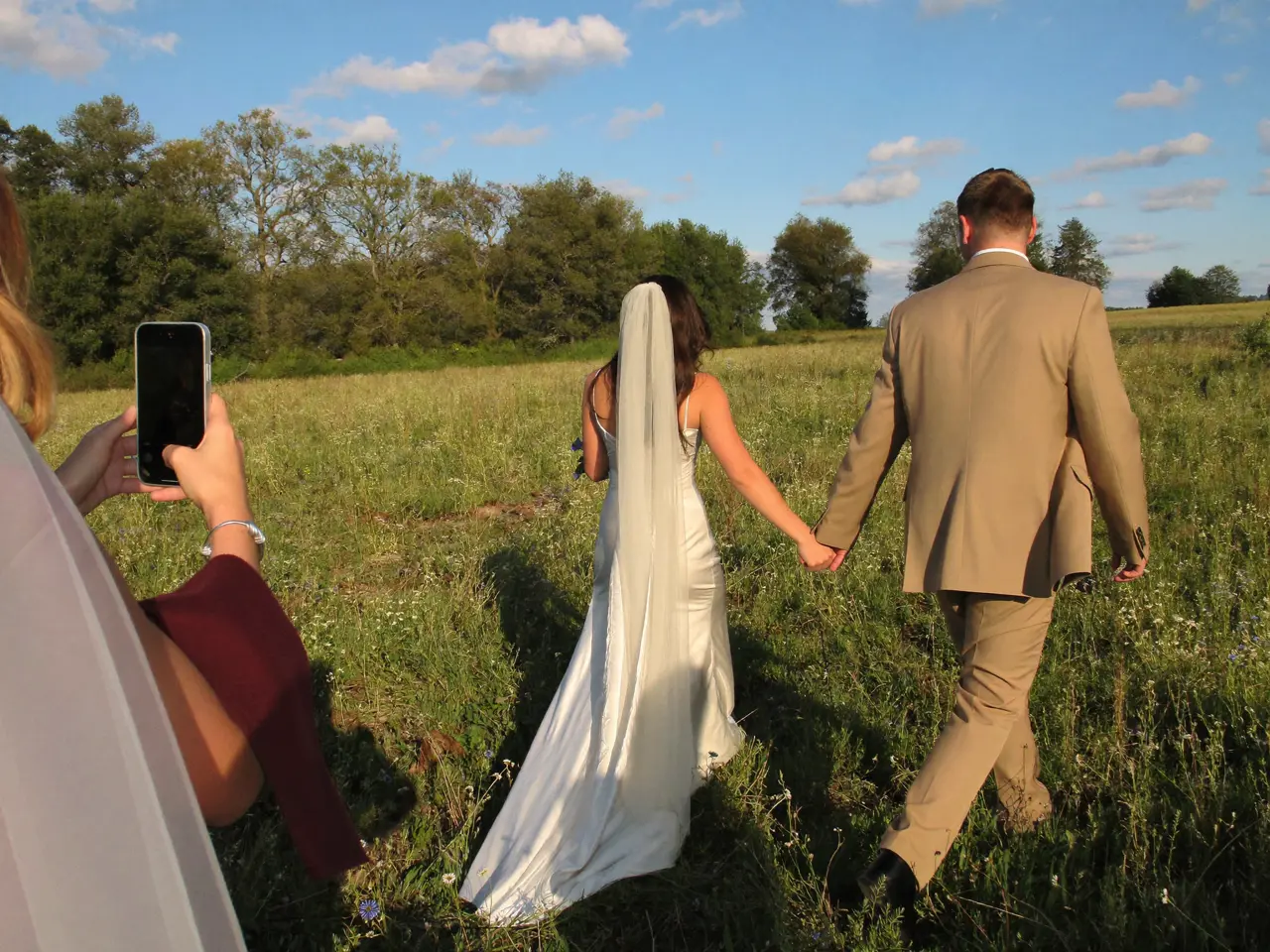 Samir
Samir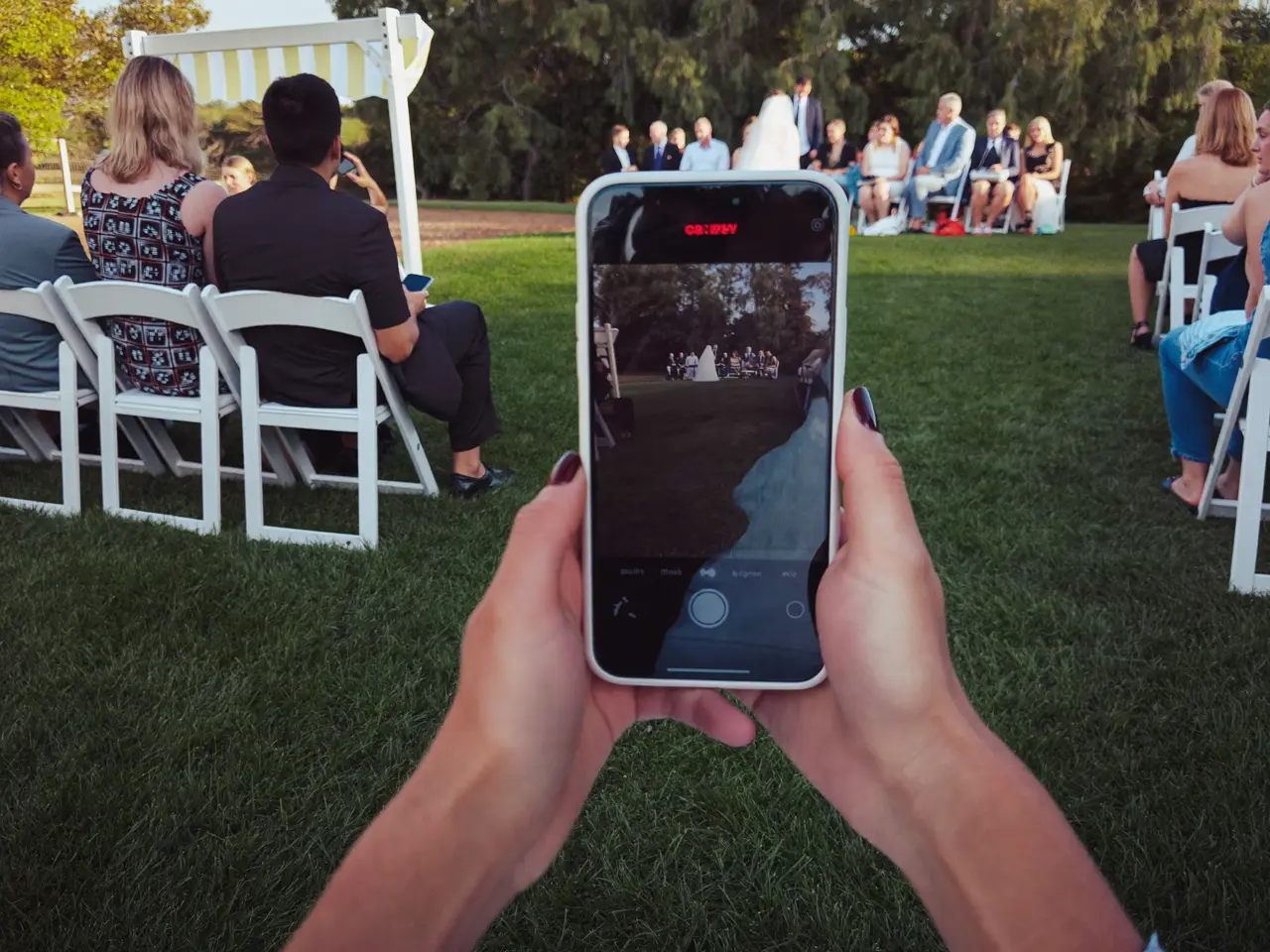 Clara
Clara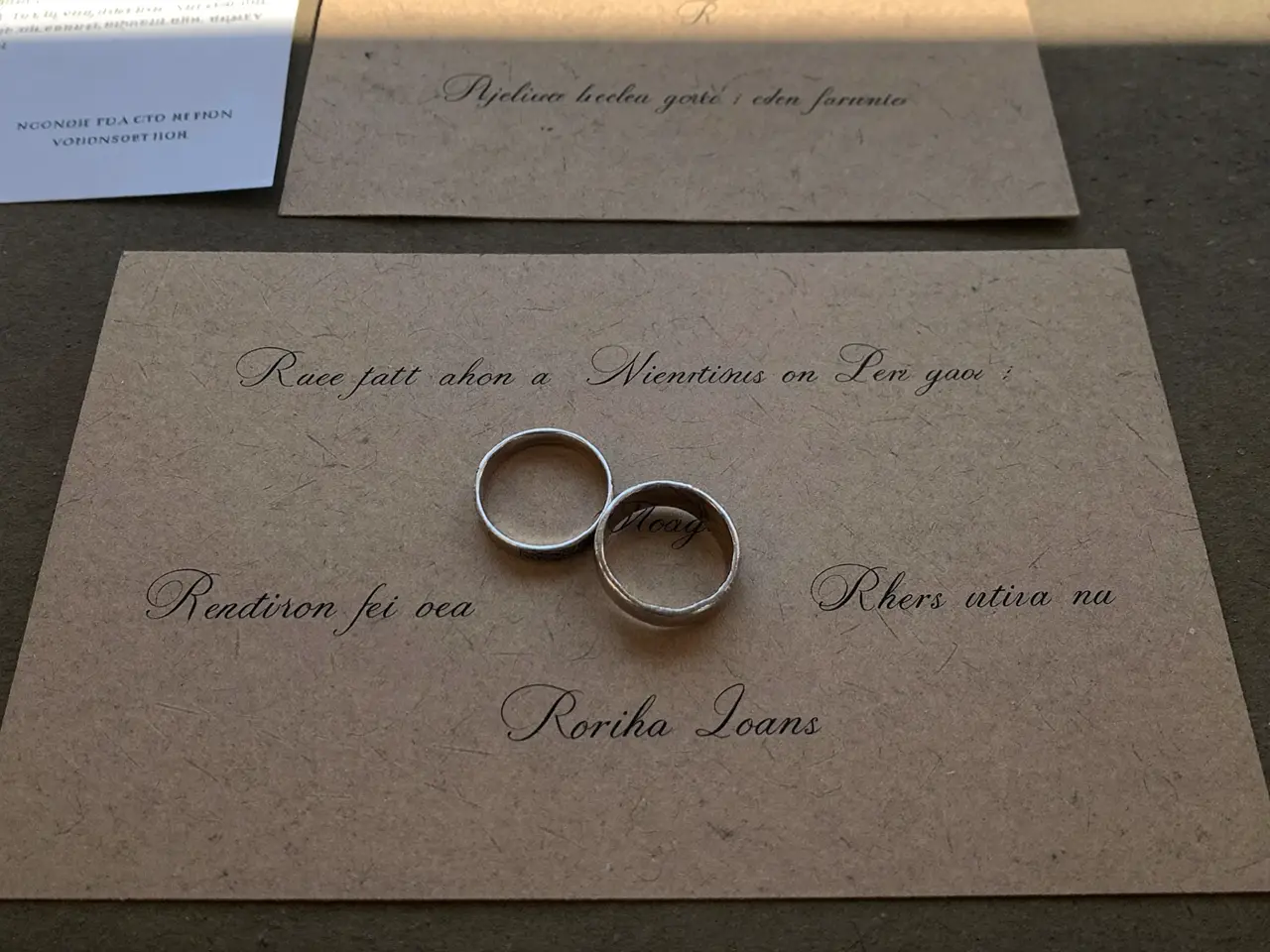 Felix
Felix Samir
Samir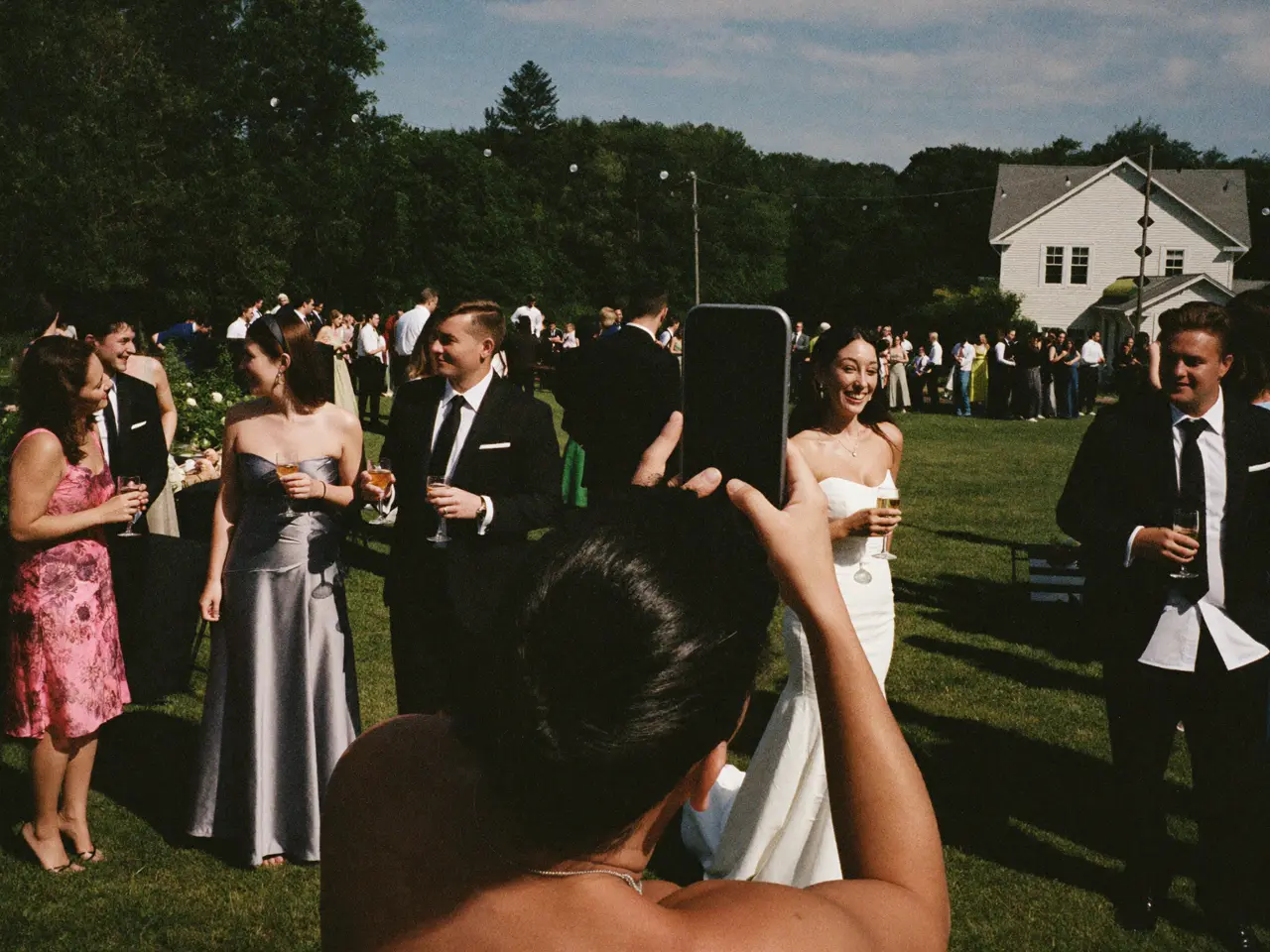


A photo shows the dress. A voice shows the night.
“Emily and Jake — here’s to forever. I can’t believe this day is finally here. Love you guys.”
 Rachel0:08
What you have the morning after.
By Monday the album is complete and nobody had to collect a thing. You can see who sent what, hide anything that should not stay, and download all of it at once. Six things are yours for sure.
Every original
Full resolution — not the copy a group thread crushed to 200 kilobytes.
The videos too
Entrance, first dance, the toast. As files, not as a filmed screen.
The voices
Voice messages from your guests — the part no photographer can bring.
In time order
The day in the order it happened. Getting ready through the last song.
With a name next to it
You can see who shot each picture. Years later, still.
You stay in control
Any picture can be hidden or deleted before you send the link.
What does collecting your guests’ photos cost?
One price per wedding, no subscription, nothing extra per guest. Start free and pay only when you need more than the free tier holds.
- 60 photos, videos & voice notes
- 5 GB storage
- Unlimited guests — no app needed
- 30-day album
- Badge on shared media
- No original-quality download
- Unlimited photos, videos & voice
- 50 GB storage
- Download all originals (ZIP)
- No badge on your media
- 90-day album
- Host moderation tools
- Everything in Essential
- 100 GB storage
- Live photo wall at the venue
- 6-month album
- Video up to 10 min
- Priority support
- Everything in Celebrate
- 250 GB storage
- Live stream for guests who can’t make it
- Voice notes transcribed
- Custom link
- 1-year album
What couples ask us
How do I get the wedding photos from my guests?
You collect wedding photos from guests with a QR code they find on the table. They scan it with the phone camera, pick their shots and upload. The photos show up in your album immediately at full resolution, and you download everything afterward in one go.
How can we share wedding photos without an app?
Through the QR code. It opens a web page where guests pick and upload — nothing to install. To view and download later, everyone gets the same link, and that needs no app either.
How many photos does this usually add up to?
We counted five weddings: about 200 files each, from roughly half the guest list. How that spreads across the hours of the day is in our count.
Do my guests have to install anything?
No. The QR code opens a web page in the phone’s browser. Nothing to download, nothing to sign up for, no password to pick.
What about guests without a smartphone?
Nothing changes for them. Anyone who wants hands their picture to the person next to them, who uploads it too. Neither of them needs an account.
When should I set the album up?
When the place cards go to print — usually four to six weeks out. An empty album costs nothing, and the QR code does not change after that.
Can my guests see each other’s photos?
Only if you want them to. Show the album during the reception, keep it behind a password, or release it after the wedding.
Can I remove individual pictures?
Yes. Any picture can be hidden or deleted before you send the link to your guests. That call is yours, not the uploader’s.
Anything else? Message us — we answer the same day.
Before you decide
Prices, windows and the catch in each.
Every tier comparedWhat the free tier holds and what the paid ones add.
See a finished albumThe page your guests open after the wedding — with real pictures.
Weddings · QR code photos · Wedding photo app · Disposable cameras
The best photos of your wedding are on other phones.
Create the album, print the code, set it on the tables. Your guests do the rest — no app, no account.
- 1Create the album — free
- 2QR code on the place cards
- 3Download everything afterward