The wedding photo app your guests never have to install.
Every guest already has the only app this needs — the camera. They point it at a QR code on the table, pick their shots and upload. No download, no account, no eighty people stuck at a login screen.









What is a wedding photo app for guests?
A wedding photo app for guests is how the pictures on everyone else’s phone reach you. The good ones are not downloads at all: a QR code on the table opens a private upload page in the browser, guests pick their shots and send. Everything lands in one album in time order, at the resolution it was taken, and you download the lot afterward.
The code opens a web page. Asking eighty guests to install something is where most of them stop.
Photos, video and voice messages arrive in the same place, sorted by time, with a name beside each.
You get the file off the camera, not the version a thread compressed into mush.
Five ways to collect wedding photos, and where each one stops.
Every couple tries at least one of these. They differ less in what they can do than in what they ask of a guest — and a guest who has to work does nothing at all. This is the honest comparison, including where our own answer costs you something.
From the App Store or Google Play
Install, sign up, allow accessWhat no option fixesThe strongest features, and the fewest uploads. Every step before the camera loses people, and older guests stop at the first one.
WhatsApp, iMessage, Signal
Nothing — they are already thereWhat no option fixesThe easiest to start and the worst to keep. Photos get compressed, video is refused for size, and the whole thing scrolls away in a week.
Google Photos, iCloud, Dropbox
A Google or Apple accountWhat no option fixesFull resolution, but half your guests do not have the right account and the other half never find the link again.
On the tables, developed later
Nothing at allWhat no option fixesThe nicest object and the slowest result. Twenty-four frames, weeks of waiting, no video, no voices.
What this page is about
Scan and pick — three tapsWhat no option fixesNothing to install, full resolution, video and voice included. What it costs: it is a web page, so a guest with no signal has to wait for one.
None of these replaces your photographer. They collect what happens beside them — and that is the part nobody was collecting.
Three steps, and only the first one is yours.
All the work sits before the wedding and it takes a few minutes. On the day you do nothing and remind nobody: your guests find the code where they are already looking.
Create the album
Names, date, done. The QR code arrives as a print-ready PDF for place cards and signs.
Put the code on the tables
One per table, one at the entrance, one at the bar. Guests scan with the regular camera app.
Photos arrive as they are taken
Every shot lands in your album during the reception — in time order, with a name next to it.
One album, one link, every guest.
Everything your guests uploaded sits on one page: in time order, with a name next to it. You send one link and everyone gets the day back — including the people who had to leave early.
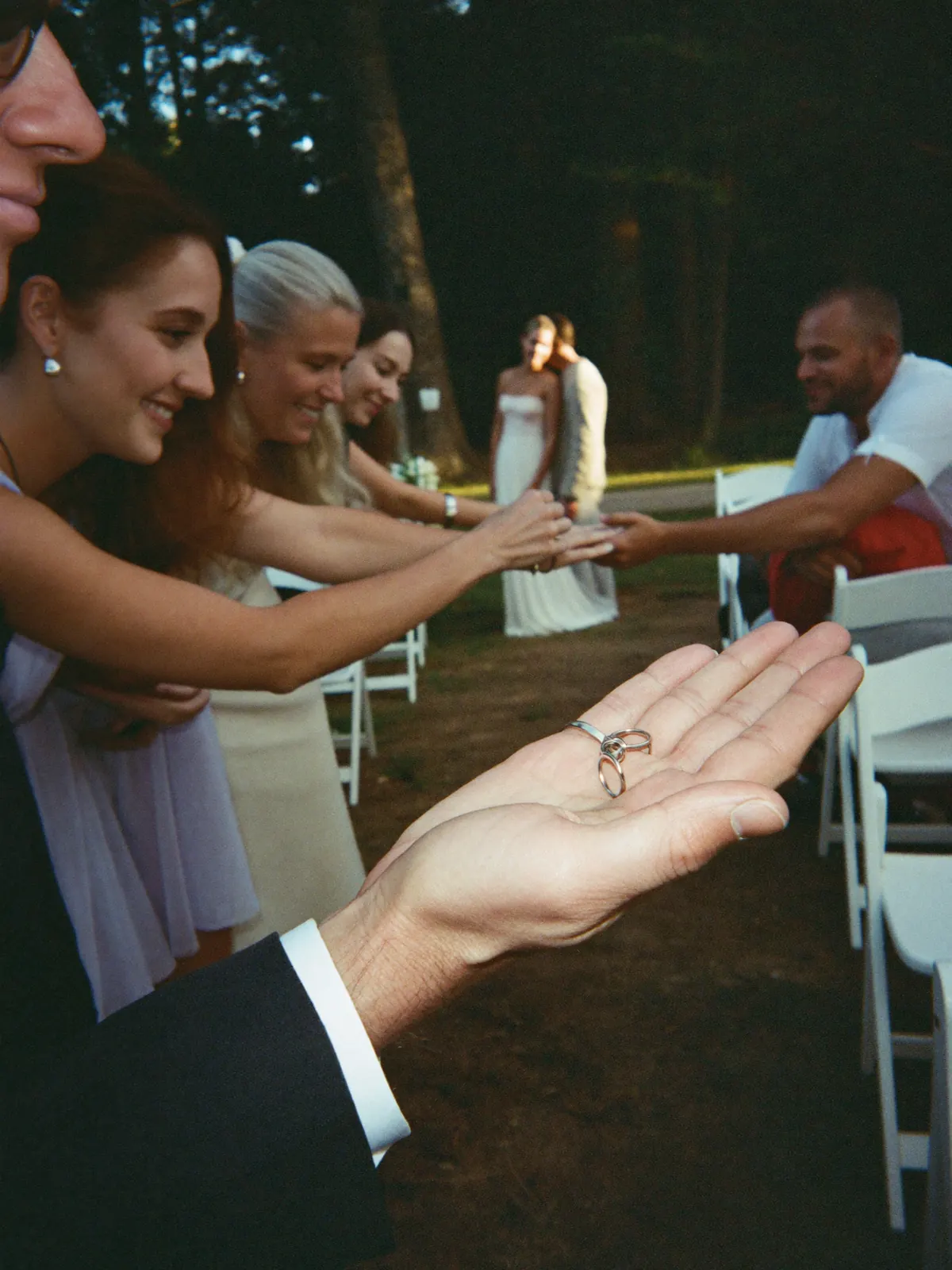

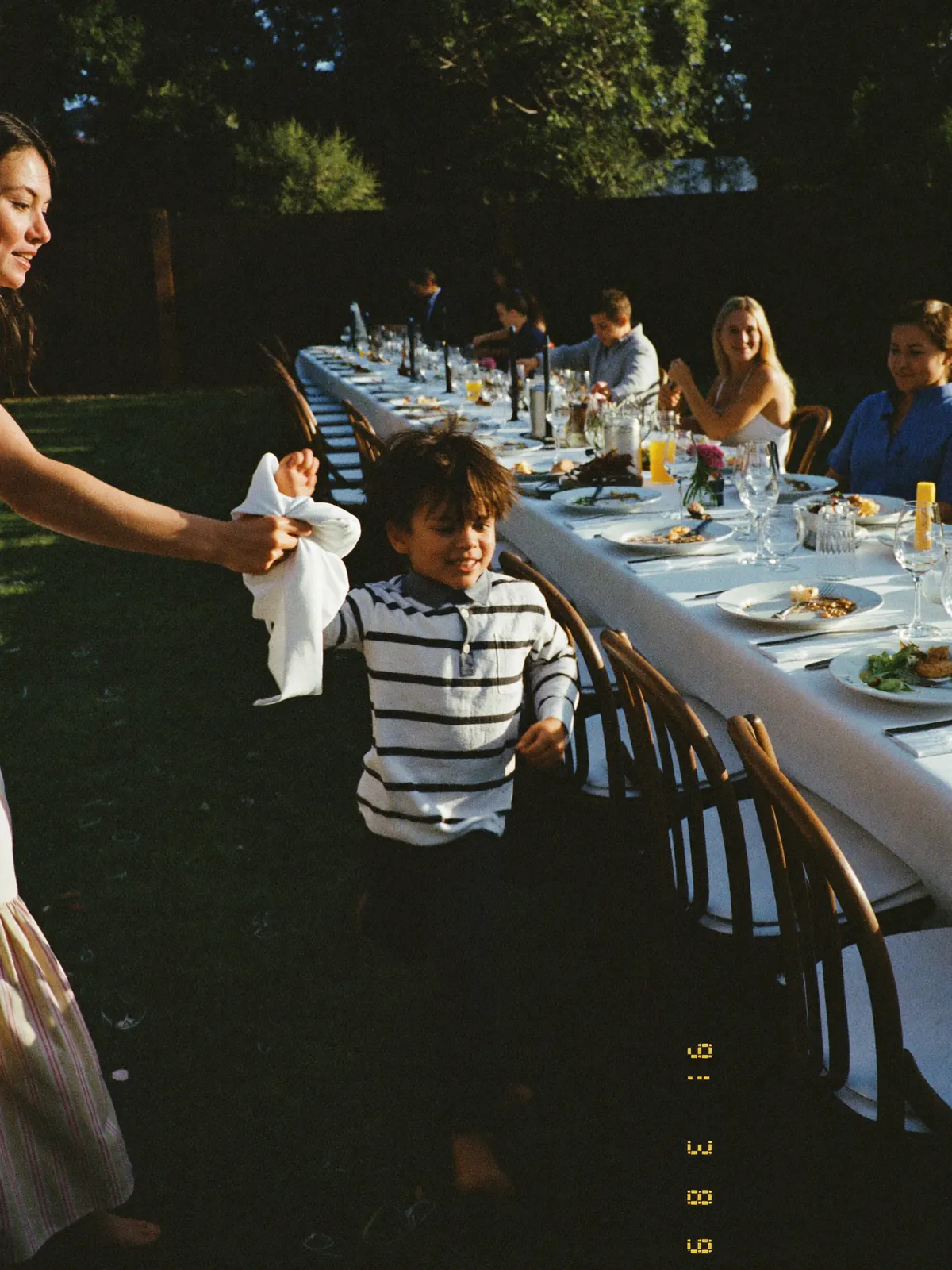
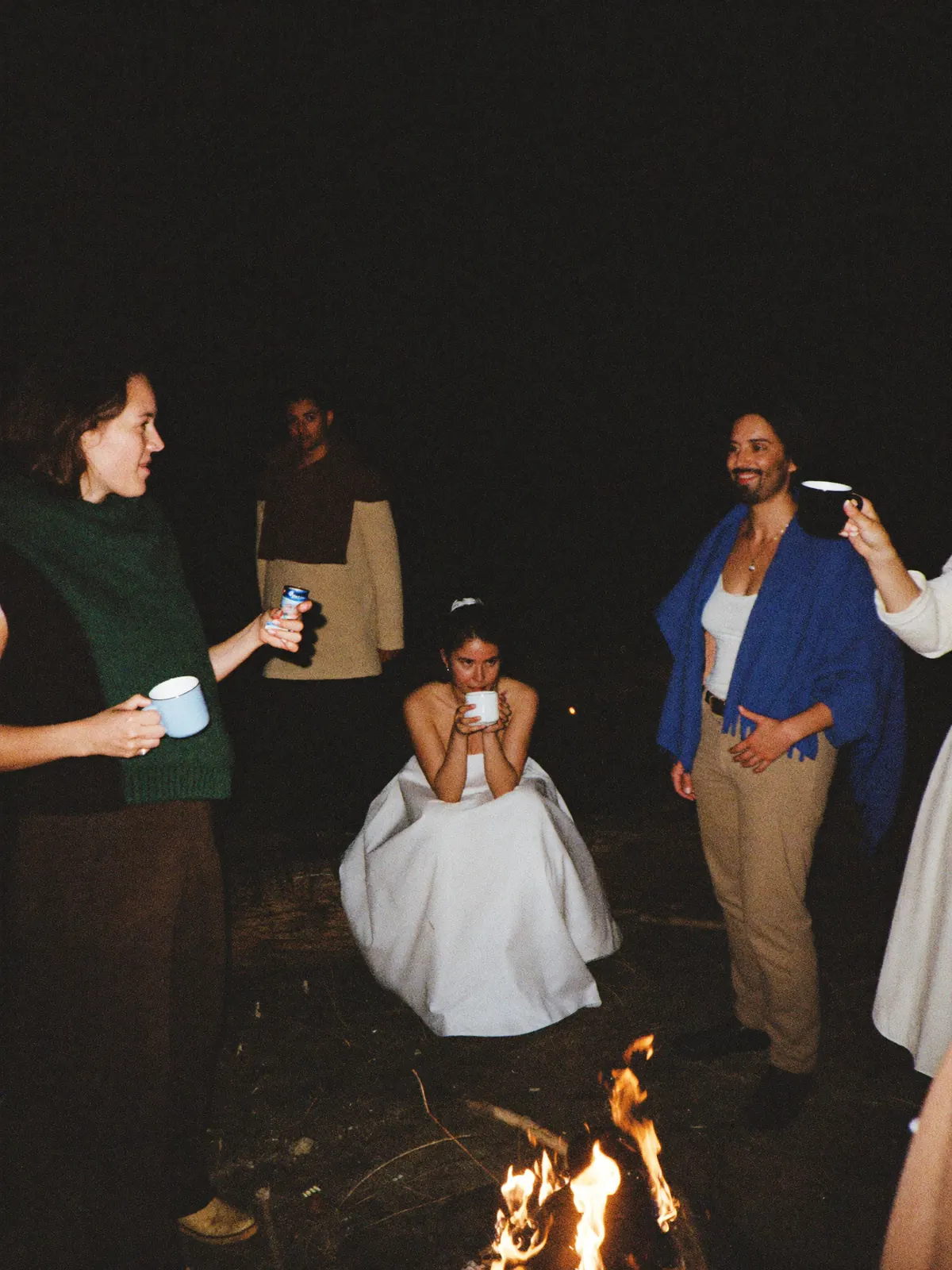
No account, no invite, no group thread. Your aunt included.
You decide who can open the page, and starting when.
Full size, for you and for any guest who wants to keep something.
Your event gets its own page.
Photos, videos, and voice notes from everyone — one page, one link. On their laptop or in their pocket, it’s the same album.
Open to every guest
Anyone with the link is in. No account, no sign-up.
Or only for the people who were there
A password on the page. You pass it on to whoever you choose.
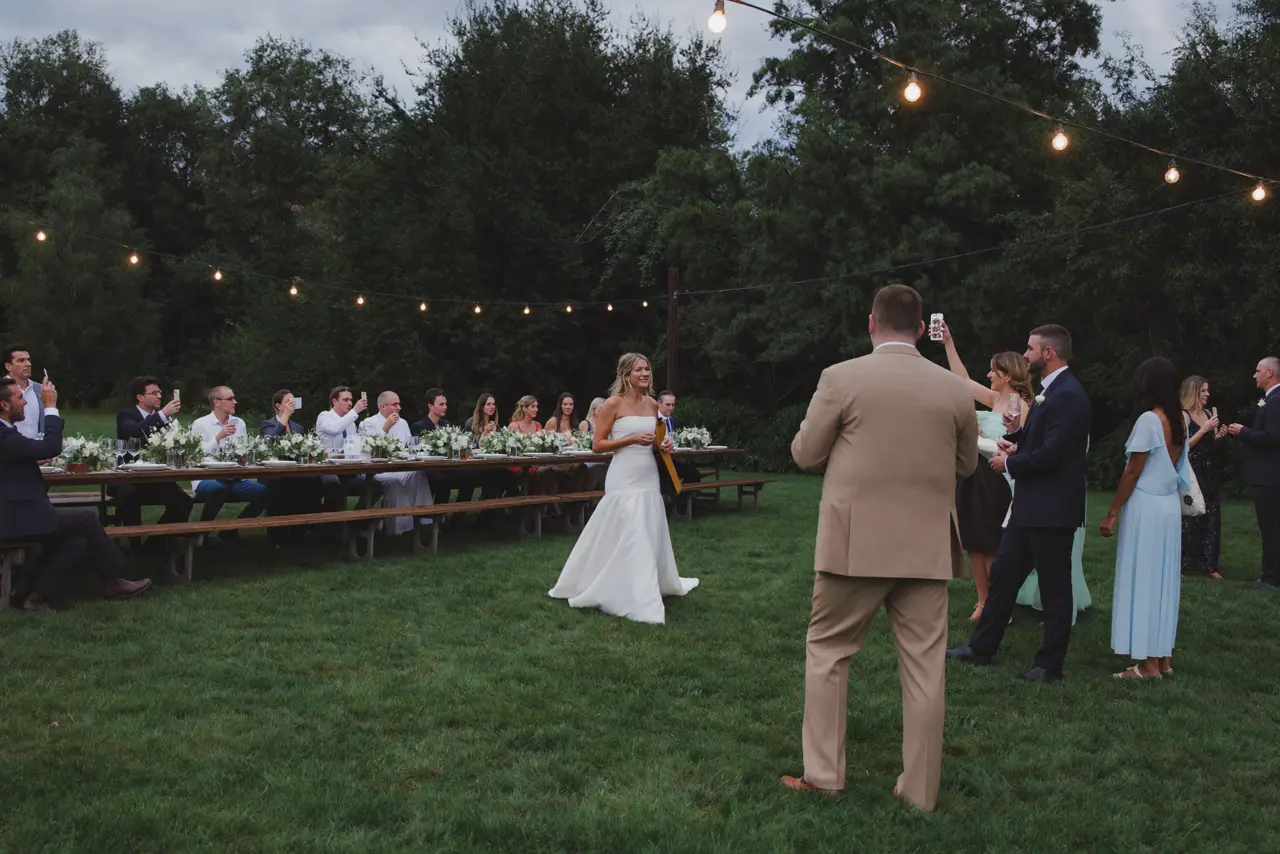 Clara
Clara Felix
Felix Samir
Samir Clara
Clara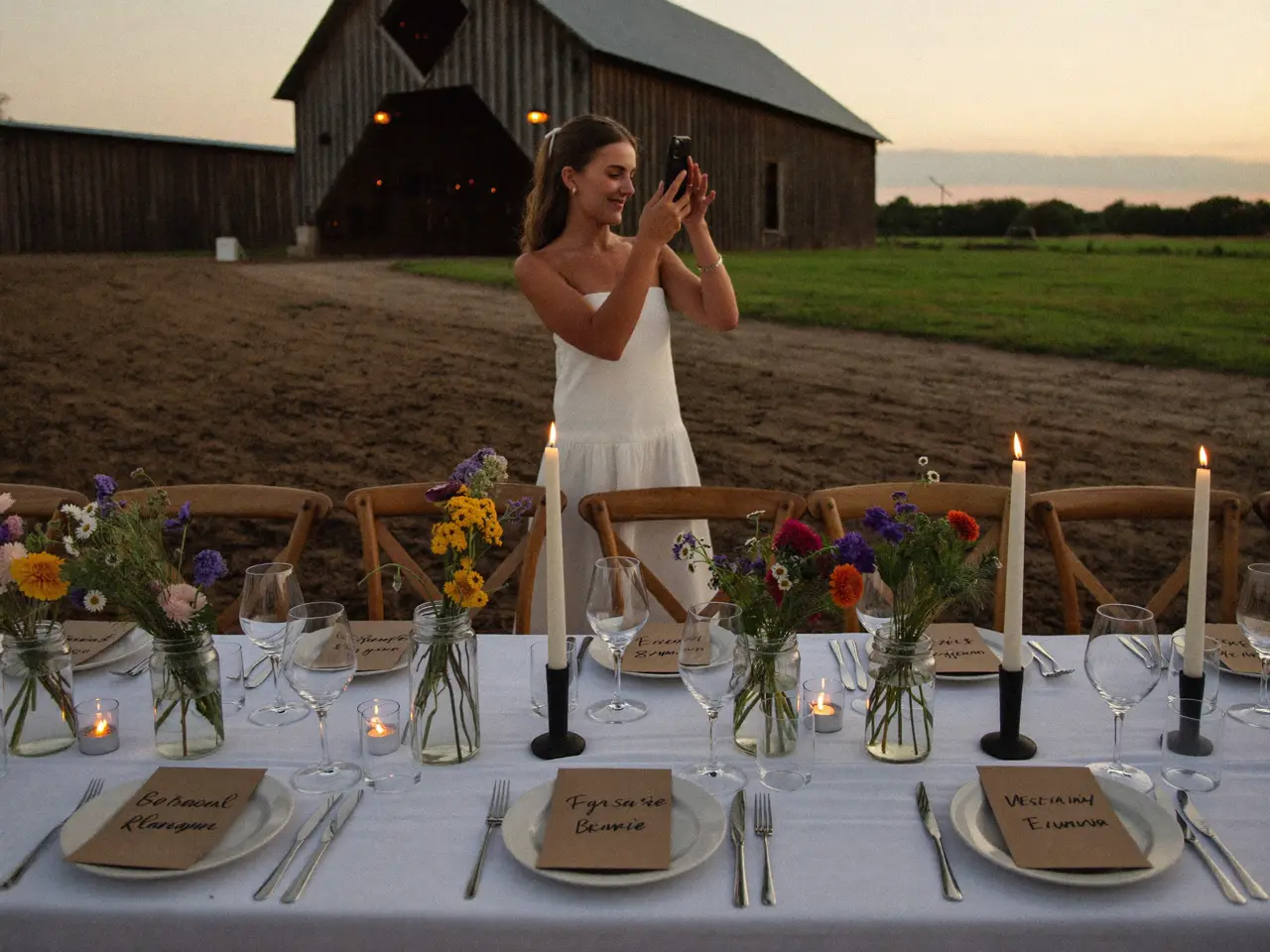 Felix
Felix Samir
Samir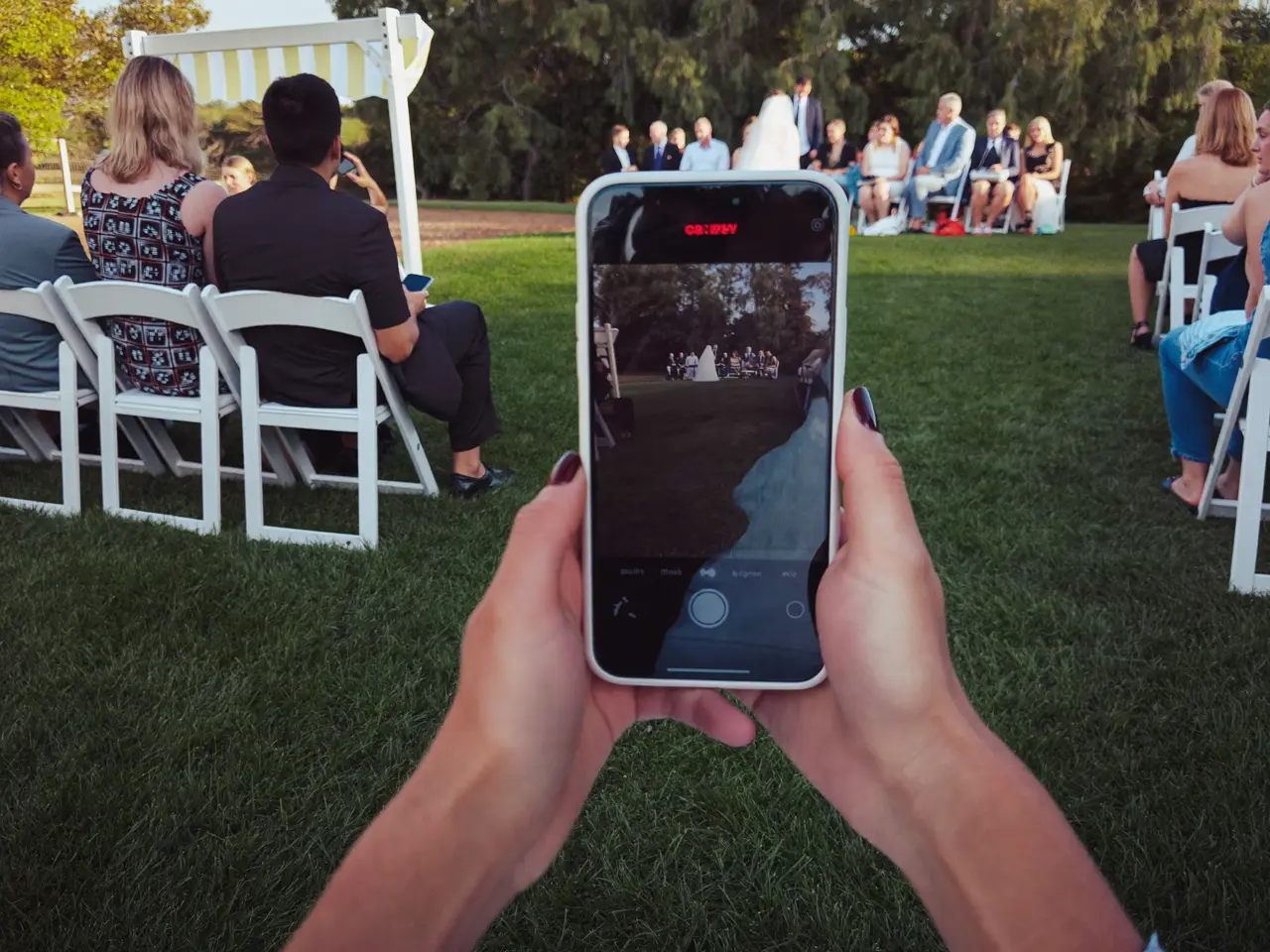 Clara
Clara Felix
Felix Samir
Samir



A photo shows the dress. A voice shows the night.
“Emily and Jake — here’s to forever. I can’t believe this day is finally here. Love you guys.”
 Rachel0:08
What you have the morning after.
By Monday the album is complete and nobody had to chase anyone. Six things are yours for sure.
Every original
Full resolution — not the copy a group thread crushed to 200 kilobytes.
The videos too
Entrance, first dance, the toast. As files, not as a filmed screen.
The voices
Voice messages from your guests — the part no photographer can bring.
In time order
The day in the order it happened. Getting ready through the last song.
With a name next to it
You can see who shot each picture. Years later, still.
You stay in control
Any picture can be hidden or deleted before you send the link.
What does a wedding photo app cost?
One price per wedding, no subscription, nothing extra per guest. Start free and pay only when you need more than the free tier holds.
- 60 photos, videos & voice notes
- 5 GB storage
- Unlimited guests — no app needed
- 30-day album
- Badge on shared media
- No original-quality download
- Unlimited photos, videos & voice
- 50 GB storage
- Download all originals (ZIP)
- No badge on your media
- 90-day album
- Host moderation tools
- Everything in Essential
- 100 GB storage
- Live photo wall at the venue
- 6-month album
- Video up to 10 min
- Priority support
- Everything in Celebrate
- 250 GB storage
- Live stream for guests who can’t make it
- Voice notes transcribed
- Custom link
- 1-year album
What couples ask us
What is the best wedding photo app for guests?
The one your guests actually use. Downloaded apps have the most features and the fewest uploads, because every step before the camera loses people. A QR code that opens a web page asks for three taps and no account, which is why it collects more — the comparison above puts all five options side by side, including where this one costs you something.
Do my guests have to download an app?
No. The QR code opens a web page in the phone’s browser. There is nothing in an app store, nothing to sign up for and no password to choose.
Is there a free wedding photo app for guests?
You can start free here and the free tier is a real one, not a trial: your guests upload, you see the album. You pay only when you need more storage or a longer window than it holds.
How do guests find the album?
Through a QR code you print — place cards, the menu, a sign at the bar. The same address is printed underneath as text, so anyone can type it instead.
Does it take video and voice messages too?
Yes, through the same code. Video arrives as a file at full quality, not as a compressed copy, and guests can leave a spoken message the same way.
Does the app work on an older phone?
Any phone with a camera app and a browser from the last few years — no store listing, no minimum OS version, because nothing gets installed. A guest with no smartphone at all hands their picture to the person next to them, who uploads it too. Neither needs an account.
How is this different from a group chat?
A chat compresses every photo, refuses video over a size limit, and scrolls away. Here the original file arrives, sorted by time, on a page that is still there next year.
Can I take a photo down after a guest has uploaded it?
Yes, whenever — before the link goes out or after. Any picture can be hidden or deleted from your side, and the guest who uploaded it can’t undo that. The call is yours, not the uploader’s.
Anything else? Message us — we answer the same day.
Before you decide
Your guests already have the only app this needs.
Create the album, print the code, set it on the tables. The camera does the rest — no download, no account.
- 1Create the album — free
- 2Print the QR code PDF
- 3Download everything afterward