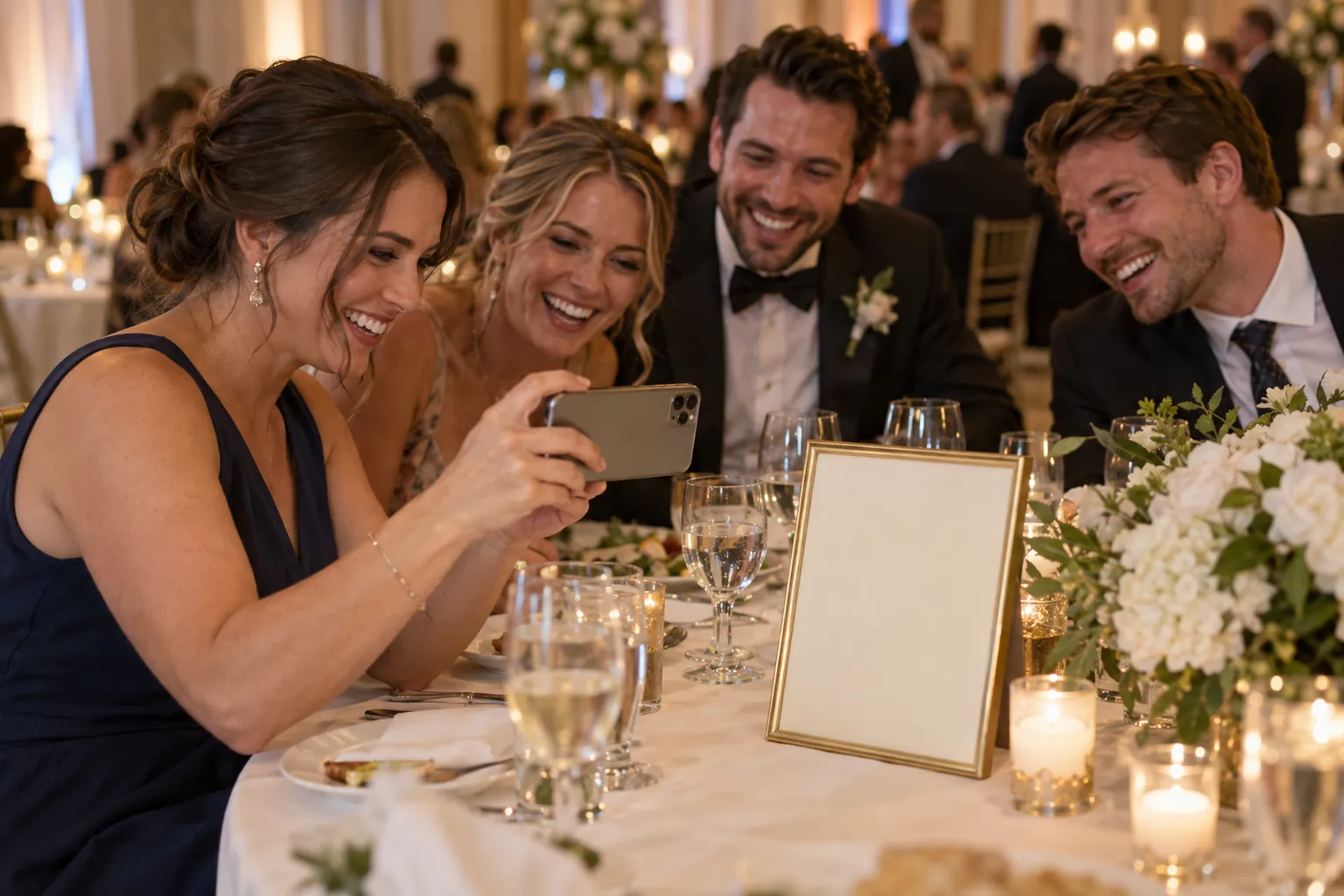
How to share birthday party photos with family (and turn them into a photo book)
Share birthday party photos with family via Google Photos, FamilyAlbum or QR Album from $49, then print a photo book at Mixbook, Shutterfly or Chatbooks.


Bottom line: To share birthday party photos with family, use one shared album everyone opens from a single link. QR Album collects every guest's photos, videos and voice messages from a QR code, with no app or account, from $49 one-time. Google Photos is free up to 15 GB, and FamilyAlbum is free for the kids' photos all year. For a photo book, download the photos and print at Mixbook (from $14.99), Shutterfly or Chatbooks. Prices checked October 16, 2026.
Which option suits you?
- Your family already lives in Google Photos: a free Google Photos shared album, opened from a link or a QR code.
- You share the kids' photos with the grandparents all year: FamilyAlbum, a private family app that's free to use.
- You want every guest's photos, videos and voice messages from the party in one album, without apps or accounts: QR Album is the best pick, and it's easy on the budget.
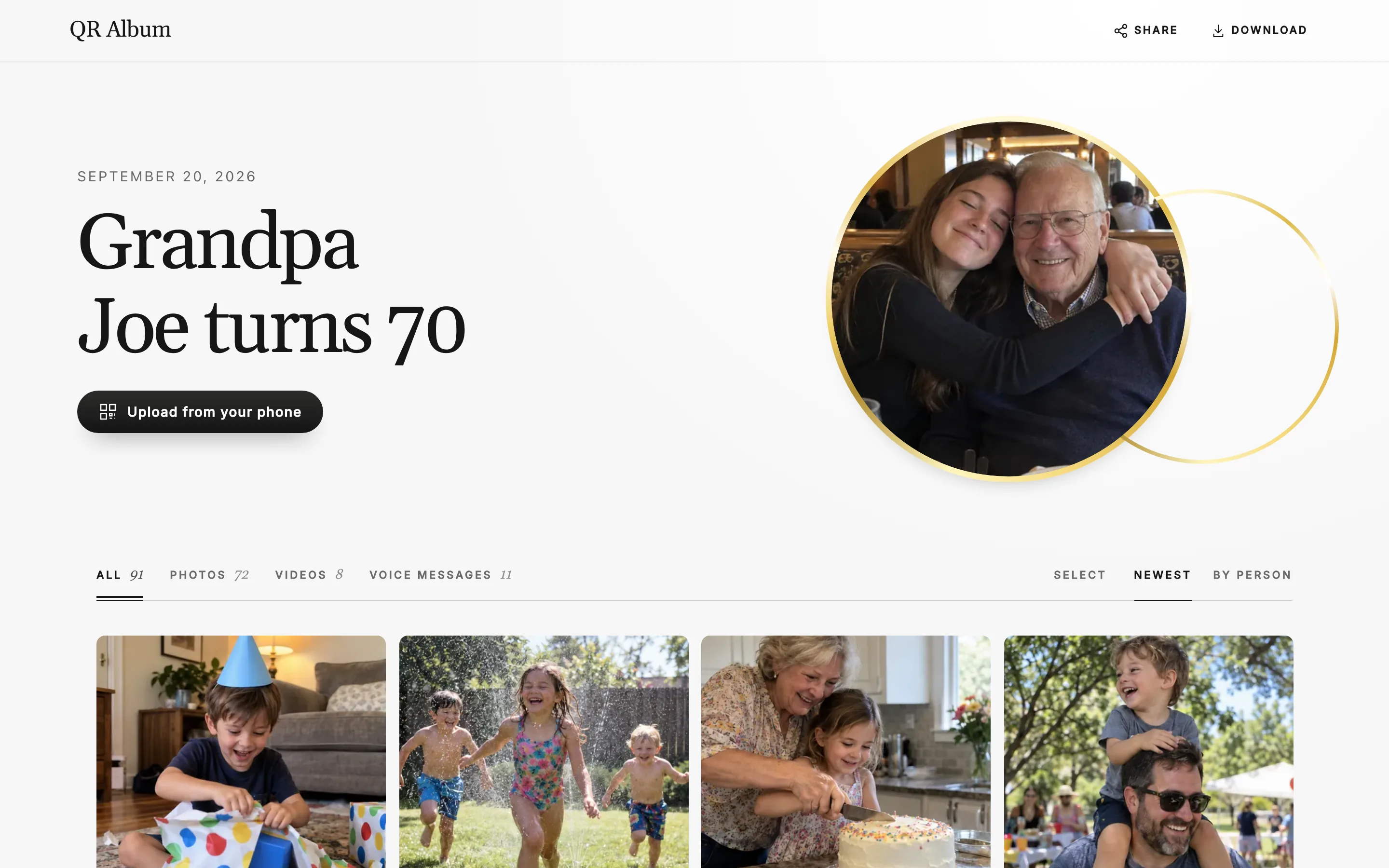
QR Album: every guest's photos in one album
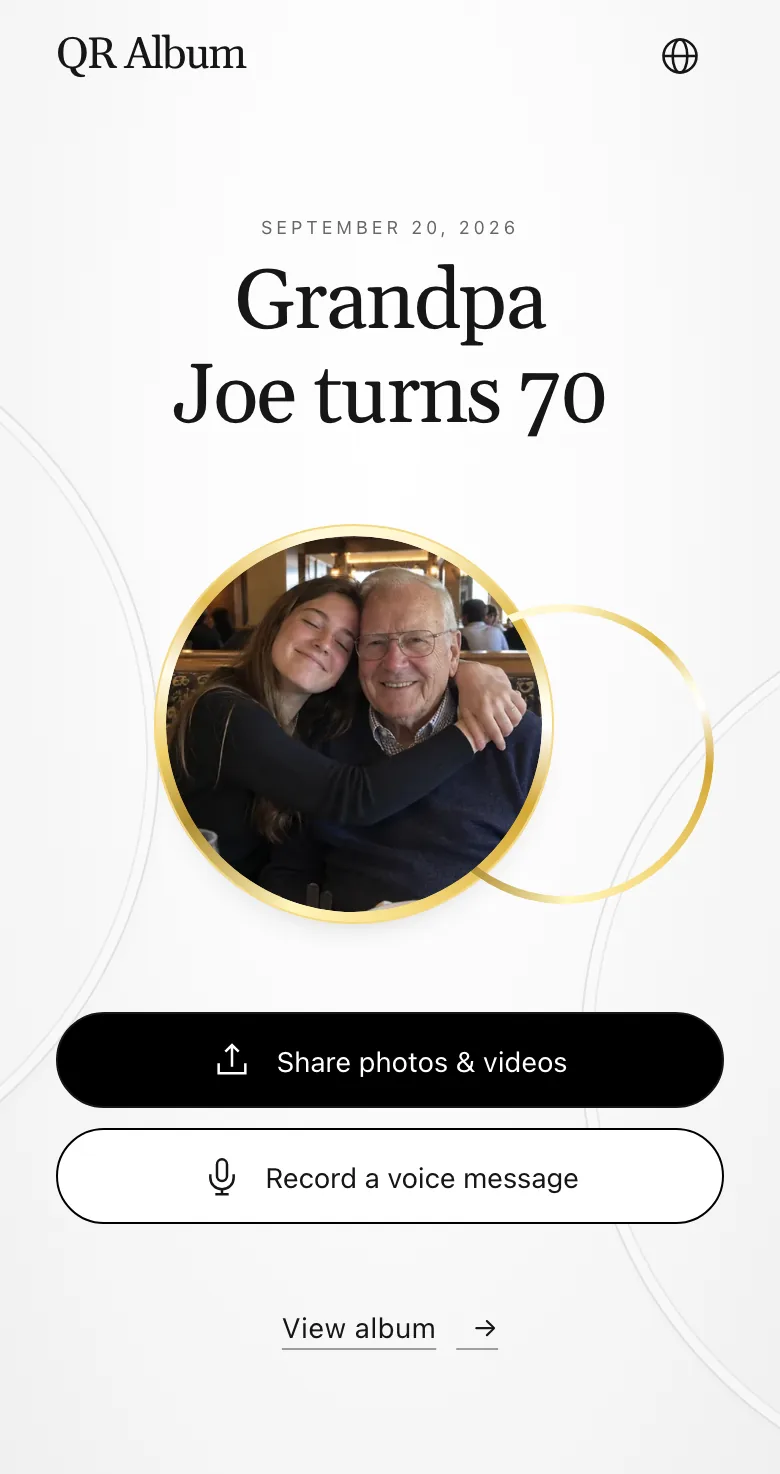
- No app, no account: Guests scan the QR code and upload in the browser, and they can add their name to each post. More on our birthday page.
- At the party and after: Photos, videos and voice messages keep coming in for days, so an aunt who couldn't make it can still send her wishes. With Grand, voice messages are transcribed for you.
- One album for everyone: public or private, with likes and comments. From Celebrate, new photos play live on a TV at the party.
- Your style: You pick the album design and the cover photo. Every photo, video and voice message sits in one place.
Google Photos: free while your storage lasts
- Strength: It's free, and most families know it. Google says anyone with the link can view the album and add photos, and you can share it as a QR code.
- Storage: Everything counts toward your free 15 GB, shared with Gmail and Drive. The next step is 100 GB for $1.99 a month.
- Good to know: In Storage saver, photos above 16 MP get resized. A shared album holds photos and videos, not voice messages.
FamilyAlbum: the kids' photos all year
- Strength: It's free with unlimited storage, and only invited family members see the album. Premium starts at $2.99 a month.
- Good to know: Relatives can view and comment in a browser, but uploading takes the app. Parents who run the album need the app too.
- Best for: the photos you take every week, more than every guest's phone at one party.
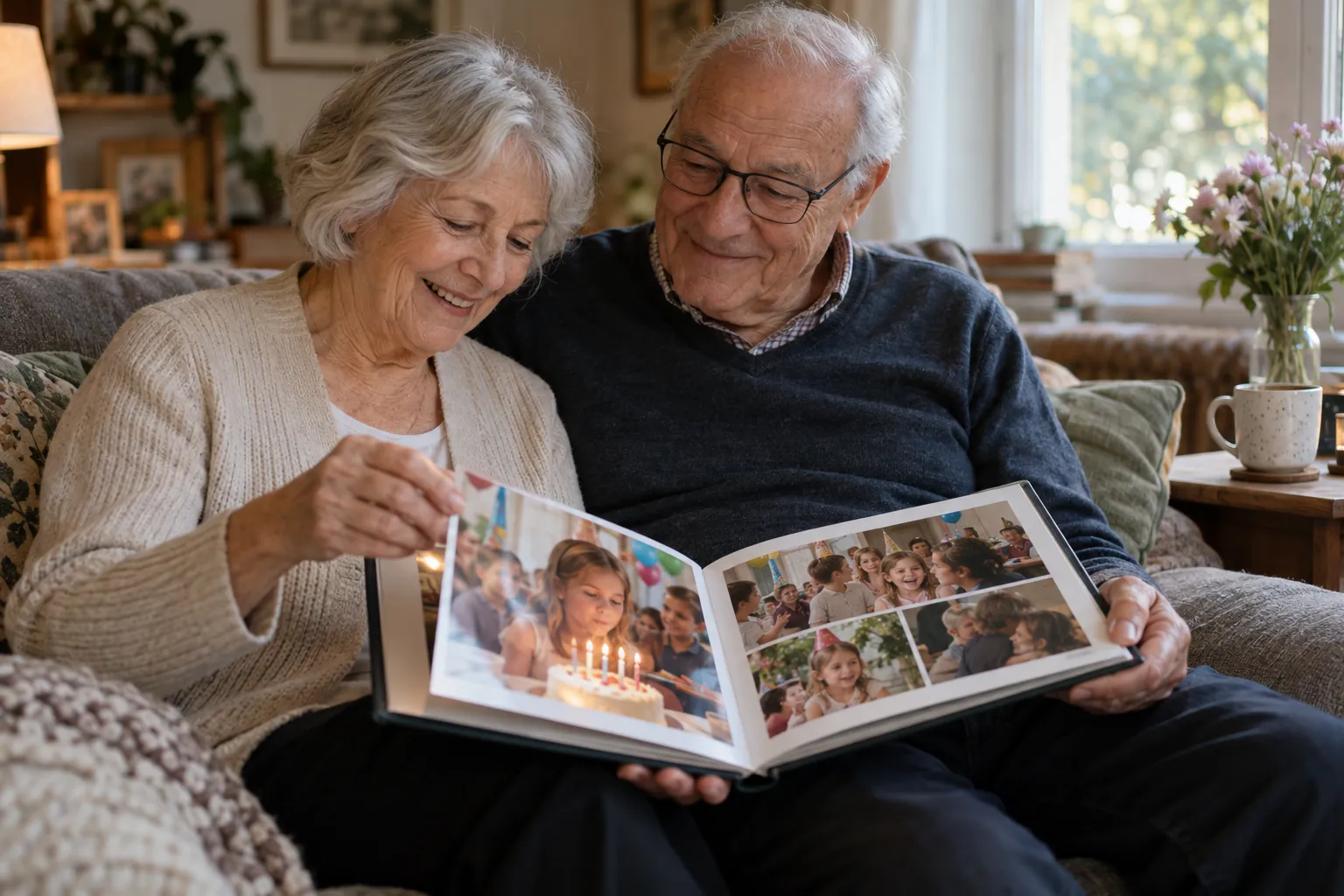
Turn the party into a photo book
- Start from full-size files: Shutterfly asks for the original full-size file instead of a social media copy. Chat copies and Storage saver files are smaller.
- Where to print: Mixbook starts at $14.99 for a 6×6 softcover, Shutterfly at $22.99 for an 8×8 softcover, and Chatbooks at $26 with free shipping. These are regular prices. FamilyAlbum prints its own photobooks from $7.99 in the app.
- Honest note: QR Album doesn't print books. Download the photos from the album and upload them to the print service you like.
Prices at a glance
- Free to start: Google Photos and FamilyAlbum.
- Every guest's photos, videos and voices in one album: QR Album from $49 one-time.
QR Album
- Price
- $49 · $79 · $99 one-time
- What you get
- Album online for 3, 6 or 12 months. From $79 with a live photo wall, $99 adds voice message transcripts.
Google Photos
- Price
- Free up to 15 GB · 100 GB for $1.99/month
- What you get
- Shared album by link or QR code, up to 20,000 photos and videos. Storage shared with Gmail and Drive.
FamilyAlbum
- Price
- Free · Premium from $2.99/month
- What you get
- Private family album with unlimited storage. Uploads in the app, photobooks from $7.99.
Good to know: QR Album plans are one-time payments per event, with no subscription. Details are on the pricing page.
Questions, answered
Is there a free way to share birthday photos with family?
Yes. Google Photos and FamilyAlbum are free to start. QR Album costs $49 one-time and collects every guest's photos, videos and voice messages without an app.
Do relatives need an app to add photos?
With QR Album, no: guests upload in the browser. FamilyAlbum's browser version lets family view and comment, but uploading needs the app.
Which birthday photo album has the best printed book option?
QR Album doesn't print books. FamilyAlbum prints its own from $7.99 in the app. For more choice, download the photos and print at Mixbook, Shutterfly or Chatbooks.